
Binance 2FA Authenticator: Setup, Code Errors, Reset, and Security Guide
Published August 24, 2026
Binance 2FA Authenticator adds an extra layer of protection to your crypto account by requiring a time-based verification code in addition to your password. Whether you are setting up an authenticator for the first time, dealing with an invalid code, or trying to recover access after changing phones, the right setup and recovery steps can prevent unnecessary account-access and withdrawal issues.
1. What Is a Binance 2FA Authenticator?
A binance 2fa authenticator is a security method that adds a second verification step to your Binance account. Instead of relying only on an email address and password, you must also confirm your identity with a temporary code, passkey, SMS code, or another approved verification method.
For many users, a binance 2fa authenticator means using an authenticator app such as Google Authenticator, BAuthenticator, Microsoft Authenticator, or another TOTP-compatible tool. TOTP stands for Time-Based One-Time Password. The app creates a new short numeric code at regular intervals, usually every 30 seconds.
When you enable binance 2fa, Binance links your account to a secret setup key. Your authenticator app uses that secret and the current time to generate a code. Binance independently calculates the expected code, then checks whether the number you enter matches.
This setup makes account theft harder. A criminal who knows your password should still be unable to access your account without the current code or another configured authentication factor.
A binance 2fa authenticator is particularly important because exchange accounts can hold digital assets, payment details, transaction history, and account-recovery information. Password-only protection is no longer enough for accounts with financial value.
Binance supports multiple security options, including authenticator apps, passkeys, security keys, SMS verification, and email verification. A strong setup uses more than one recovery path while avoiding unnecessary exposure.
Download Authenticator App
Secure your accounts with fast, reliable two-factor authentication. Download now and protect your login in seconds.
2. Why Binance 2FA Matters for Account Security
A binance 2fa authenticator adds a barrier between your password and your funds. Passwords can be exposed through phishing pages, data breaches, malware, password reuse, or social engineering. Two-factor authentication reduces the damage that a stolen password can cause.
For example, imagine that you accidentally enter your password on a fake website. Without 2FA, an attacker may be able to sign in immediately. With binance 2fa authentication, they would still need your current authenticator code, approved passkey, or another verification method.
However, 2FA is not invincible. Attackers may try to trick you into entering both your password and your current code on a phishing site. They can then relay the information to the real Binance login page in real time.
This is why you should:
- Type Binance’s web address manually or use a trusted bookmark.
- Avoid login links sent through email, SMS, Telegram, Discord, or social media.
- Never share a current authentication code with another person.
- Review device and account-security activity regularly.
- Consider passkeys or security keys for stronger phishing resistance.
- Store backup information securely before changing devices.
A binance 2fa authenticator is a protective layer, not a reason to lower your guard. Good account security combines a unique password, secure email access, device protection, phishing awareness, and an effective recovery plan.
💡 Discover Helpful Guides: 2FA Authenticator App: Complete Guide to Setup, Use, Download, and Secure Your Accounts
3. How to Enable Binance 2FA Authenticator on the App
The 2fa binance app setup process is designed to connect your Binance account with an authenticator app on your phone. Menu labels can differ slightly by app version and region, but the general flow is similar.
Before you start, install a trusted authenticator app from the official Apple App Store or Google Play store. Do not download modified APK files or apps promoted in private messages.
To enable a binance 2fa authenticator in the Binance app:
- Open the Binance app and sign in.
- Tap the account or profile icon.
- Open Security.
- Select Authenticator App.
- Tap Enable.
- Binance will display a QR code and a setup key.
- Open your authenticator app and choose Add Account.
- Scan the QR code or enter the setup key manually.
- Save the setup key only in a secure recovery location.
- Return to Binance and enter the current code generated by the app.
- Complete any additional verification Binance requests.
According to Binance’s official setup guidance, the app flow includes opening Security, selecting Authenticator App, using the QR code or setup key, and confirming the setup with a six-digit code. Binance’s Google Authenticator app guide provides the current official process.
Do not rush through the recovery step. The moment you configure a binance 2fa authenticator, you should plan for a lost phone, damaged device, app deletion, or phone upgrade.
💡 Discover Helpful Guides: 2FA Authenticator App: Complete Guide to Setup, Use, Download, and Secure Your Accounts
4. How to Use Google Authenticator 2FA on Binance
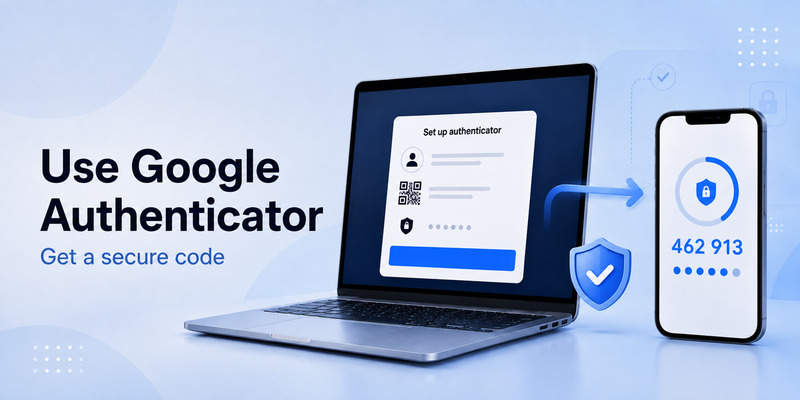
If you are searching how to use google authenticator 2fa, start by understanding that Google Authenticator does not log you in by itself. It generates temporary codes that you enter after Binance asks for verification.
After you set up binance 2fa google authenticator, your usual sign-in flow looks like this:
- Open the official Binance app or website.
- Enter your account credentials.
- Complete any email, SMS, passkey, or device verification requested.
- Open Google Authenticator.
- Find the entry connected to your Binance account.
- Enter the current six-digit code before it refreshes.
- Confirm the login.
A binance 2fa authenticator app should display a dedicated entry for your Binance account. If you have several entries, label them clearly. Avoid vague labels such as “New Account” or “Code” because they can cause confusion during a time-sensitive login.
A 2fa authentication example could be a code such as 741 286. This is only an example, not a valid Binance code. Your own code will be different and will refresh frequently.
When using Google Authenticator, ensure that your phone date and time are set automatically. TOTP codes depend on accurate time. Even a minor clock mismatch can cause the code to fail.
📘 Explore More Useful Guides: Discord 2FA Code: Setup, Backup Codes, Errors, and Account Recovery Guide
5. Understanding the Six-Digit Binance Authentication Code
A 6 digit 2fa code is the most common format used by authenticator apps. It is temporary and usually refreshes every 30 seconds.
A normal code should only be entered:
- In the official Binance app.
- On the official Binance website.
- During a legitimate security action that you started.
- After you have verified the domain and login page.
Never provide a 6 digit 2fa code to customer-service impersonators, “account recovery agents,” paid Telegram groups, or strangers who offer trading help. A real support representative should not ask you to send your current code through private messages.
Your binance 2fa authenticator code is sensitive because it can help someone complete a login if they already have your password. The fact that it expires quickly does not make it safe to share.
If the code changes while you are typing, wait for the next full code cycle. Do not repeatedly submit an almost-expired code. A fresh code gives you more time and reduces avoidable errors.
6. How to Log In With a Binance 2FA Authenticator
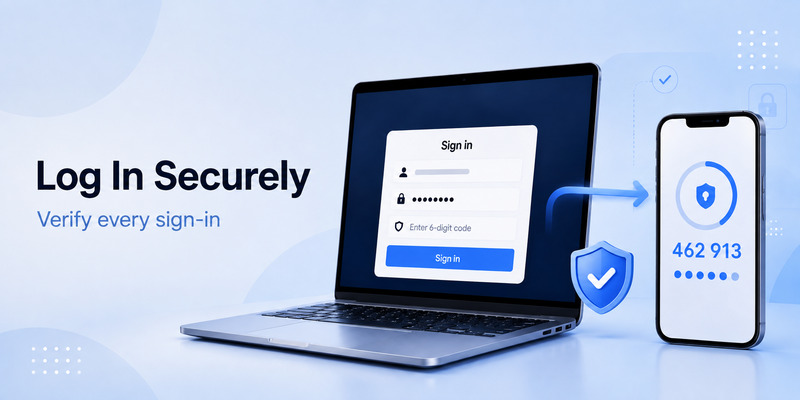
Once enabled, 2fa in binance becomes part of your normal security routine. You may be prompted during login, withdrawals, password changes, device authorization, account recovery, or other high-risk actions.
To use a binance 2fa authenticator safely during login:
- Confirm that you are using the official Binance platform.
- Enter your password only after checking the website address or app publisher.
- Open your authenticator app manually.
- Locate the correct Binance entry.
- Wait for a new code if the current one is close to expiring.
- Enter the code exactly as shown.
- Do not approve unexpected verification requests.
- Review account activity after signing in if anything appears unusual.
If Binance offers a passkey option that works with your device, consider adding it. Passkeys are designed to reduce phishing risk because they are tied to the legitimate site and verified through your device’s screen lock, fingerprint, or face recognition.
Your binance 2fa authenticator should support security without creating confusion. Keep your authentication methods organized and remove duplicate or obsolete entries only after confirming the replacement method works.
💡 Discover Helpful Guides: 2FA Authenticator Chrome: How to Set Up Secure Two-Factor Authentication in Your Browser
7. Binance Authenticator Not Working: Common Fixes
A binance authenticator not working message can happen for several reasons. The most common causes are an incorrect phone clock, selecting the wrong authenticator entry, an expired code, a deleted or replaced 2FA setup, network issues, or verification requirements that changed after account-security activity.
Try these safe steps first.
Check the correct authenticator entry
If you previously changed phones or reconfigured 2FA, you may have more than one Binance entry in the app. Use the newest confirmed entry. An old entry can generate valid-looking codes that Binance no longer accepts.
Wait for the next code
A binance 2fa authenticator code may expire while you are entering it. Wait for the next code, then enter it immediately.
Sync your device time
For binance google authenticator not working, turn on automatic date, time, and time-zone settings on your device. Then reopen the authenticator app and try a fresh code.
Check whether Binance is requesting a different factor
Not every error relates to Google Authenticator. Binance may be asking for email, SMS, passkey, device confirmation, or another security factor. Read the page carefully before assuming the authenticator code is the issue.
Try an approved alternate method
If you configured a passkey, security key, email verification, or SMS authentication, use the official alternative option shown on Binance’s verification screen. Do not bypass the process through unofficial tools or third-party websites.
Binance’s current 2FA error guidance recommends checking other available verification methods, changing networks or devices when relevant, and using the official reset flow if you still cannot produce the correct code. Binance’s 2FA error guide also warns against requesting codes repeatedly in a short time.
📘 Explore More Useful Guides: 2FA Authenticator Instagram: Complete Setup, Login, Recovery, and Troubleshooting Guide
8. How to Complete a Binance Authenticator Reset Safely
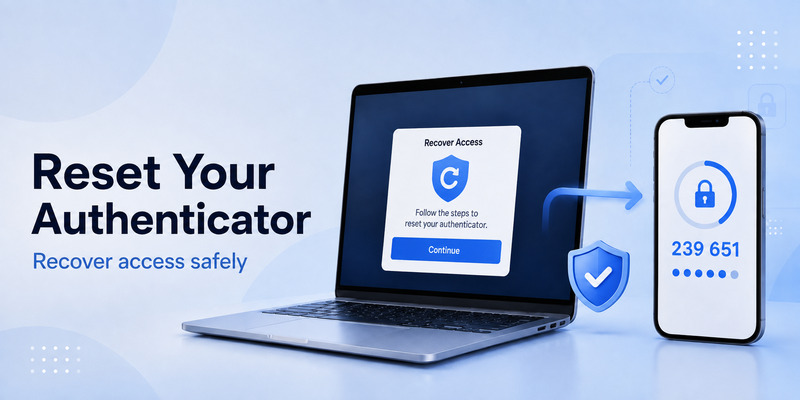
A binance authenticator reset may be necessary if you lose your phone, delete your authenticator entry, buy a new device without migrating codes, or cannot generate a valid code.
Do not reset 2FA simply because a code fails once. First, confirm the correct entry and automatic device time. A reset can trigger additional security reviews or temporary restrictions designed to protect your account.
If you truly need a binance authenticator reset, use only the official Binance website or app. Look for the official option related to unavailable security verification, resetting Google Authenticator, or account recovery. Binance may require identity verification and may apply security controls before restoring account access.
A safer reset workflow is:
- Open Binance through a bookmark or official mobile app.
- Start the available 2FA reset or recovery process.
- Provide only the requested information on Binance’s official pages.
- Complete identity verification honestly and accurately.
- Watch for confirmation emails from official Binance domains.
- After access is restored, set up a new authenticator app immediately.
- Add backup methods and review withdrawal-security settings.
- Remove obsolete devices and update your password if you suspect compromise.
Never pay an individual to process a binance authenticator reset. No stranger on Telegram, X, WhatsApp, Discord, or a forum can legitimately remove your Binance security controls. Anyone claiming otherwise may be attempting to steal your account.
📘 Explore More Useful Guides: 2FA Authenticator Free: How to Choose and Use a Free Authenticator App Safely
9. How to Prepare Before Changing Phones
The most common reason people lose access to a binance 2fa authenticator is a phone replacement without a migration plan.
Before resetting, selling, repairing, or wiping an old device:
- Confirm whether your authenticator app supports secure transfer or encrypted backup.
- Move the Binance entry to the new device according to the app’s official migration instructions.
- Test a login or security verification on the new device.
- Keep the old device active until the new method works.
- Save recovery codes or setup information securely if your app provides them.
- Confirm your Binance email and phone number are current.
- Add a passkey or other approved recovery method where available.
- Remove the old device only after testing.
A binance 2fa authenticator should never be stored only as an unprotected screenshot. Screenshots of QR codes or setup keys can expose the secret needed to generate your codes. If someone obtains that secret, they may be able to clone your authenticator entry.
For stronger protection, use a reputable password manager or a carefully secured offline recovery method. The right choice depends on your device ecosystem and risk tolerance, but the goal is always the same: recover safely without making the secret easy for an attacker to access.
📘 Explore More Useful Guides: How to Use 2FA Authenticator: A Complete Step-by-Step Guide for Better Account Security
10. Frequently Asked Questions
What is Binance 2FA?
Binance 2fa is a security system that requires an additional verification factor beyond your password. It can include an authenticator app, passkey, security key, SMS, or email verification.
Which app should I use for Binance 2FA?
A trusted authenticator App that supports TOTP can generate the required codes. Binance also provides BAuthenticator options in supported flows. Always download security apps from official stores.
Why is my Binance Google Authenticator code invalid?
A binance google authenticator not working issue may result from incorrect device time, an outdated entry, a code that expired, or a 2FA setup that was changed. Try a fresh code after enabling automatic date and time.
How do I enable a Binance 2FA authenticator app?
Open Binance, go to account Security, select Authenticator App, scan the QR code or enter the setup key, then confirm with the generated six-digit code.
Can I remove Binance 2FA without access to my old phone?
You may need to complete Binance’s official recovery or reset process. Do not use unofficial “2FA removal” services or share your account information with third parties.
Is SMS enough for Binance security?
SMS can be useful as a fallback, but it may be more vulnerable than app-based authenticators, passkeys, or security keys. Use the strongest available methods that you can recover safely.
Final Thoughts
A binance 2fa authenticator is an essential layer of protection for your Binance account. It helps prevent unauthorized access even if your password is leaked, but it only works well when you protect the setup key, store recovery options safely, and remain alert to phishing.
Set up your binance 2fa authenticator through official Binance channels, use fresh six-digit codes carefully, and prepare for a phone change before it happens. If a code fails, troubleshoot methodically; if recovery is necessary, use Binance’s official reset flow only.
Download Authenticator App
Secure your accounts with fast, reliable two-factor authentication. Download now and protect your login in seconds.
