
Snapchat 2FA Code: Meaning, SMS Texts, Setup, and Account Security Guide
Published August 24, 2026
A Snapchat 2FA code is a security code used to verify your identity when two-factor authentication is enabled on your account. Whether you receive an unexpected SMS code, need to set up 2FA, or cannot access your account after losing your verification method, understanding how Snapchat codes work can help you protect your login and avoid common security issues.
1. What Is a Snapchat 2FA Code?
A snapchat 2fa code is a temporary login code that adds a second layer of security to your Snapchat account. You may be asked to enter it after your username and password, especially when logging in from a new device, browser, network, or location.
If you are wondering what is snapchat 2fa code, think of it as proof that you control a trusted phone, authenticator app, passkey, or recovery method connected to the account. A password can be stolen, guessed, reused, or leaked. A second factor makes it harder for another person to complete the login.
A snapchat 2fa code may come from one of two common sources:
- A text message sent to the phone number linked to your Snapchat account.
- A code generated by an authenticator app, such as Google Authenticator or Duo.
The code is sensitive. Never forward it, screenshot it for strangers, or enter it on a page that you reached through an unsolicited link. Snapchat staff should not ask you to send a current login code through chat, email, or social media.
A basic 2fa code example could look like 548 921. This is only an example, not a real Snapchat code. A valid code is generated specifically for your account and may expire quickly.
Download Authenticator App
Secure your accounts with fast, reliable two-factor authentication. Download now and protect your login in seconds.
2. Does Snapchat Have Two-Factor Authentication?
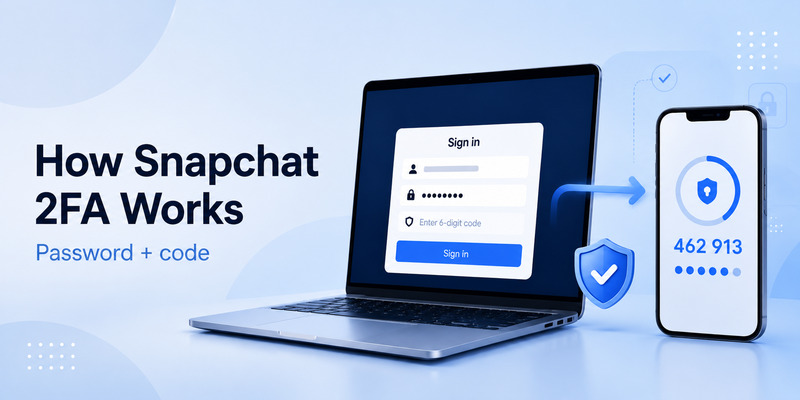
Does snapchat have 2fa? Yes. Snapchat supports two-factor authentication to help protect accounts from unauthorized access.
The answer to does snapchat have two factor authentication is also yes: Snapchat lets users choose an authenticator app or SMS as a verification method. Snapchat also recommends maintaining current contact details and keeping recovery information available.
When 2FA is enabled, Snapchat asks for a Login Code during sign-in. This can happen even if you need to reset your password, because the second factor helps protect the account from someone who may have access to your email or phone number.
So, what is two factor authentication on snapchat? It is an added sign-in requirement beyond your password. The extra step can use:
- An authenticator App that creates temporary codes.
- SMS codes sent to your linked phone number.
- A recovery code that you created in advance.
- A passkey, where available in your Snapchat security options.
Snapchat’s official guidance states that users can enable 2FA through account settings and choose an authentication app or SMS verification. Snapchat’s authenticator-app setup guide explains the current menu path.
💡 Discover Helpful Guides: 2FA Authenticator App: Complete Guide to Setup, Use, Download, and Secure Your Accounts
3. Snapchat 2FA Code Meaning: SMS vs. Authenticator Codes
The snapchat 2fa code meaning depends on how you configured account security and what Snapchat is asking you to verify.
An SMS-based snapchat 2fa code arrives as a text message sent to the mobile number linked to the account. Snapchat may send this code when you are signing in, confirming a new device, or completing another security check.
An authenticator-based snapchat 2fa code is generated inside your authenticator app. The app uses a secret setup key that was connected to Snapchat during 2FA setup. The code often changes every 30 seconds.
Here is the difference:
| Verification method | Where the code appears | Main advantage | Main risk |
| SMS 2FA | Text message | Easy to set up | Phone-number loss or SIM-swap risk |
| Authenticator app | Authenticator app | Works without mobile service | Device loss without recovery plan |
| Recovery code | Securely stored code | Helps after lost device | Must be created and saved in advance |
| Passkey | Device prompt | Strong phishing resistance | Requires compatible device setup |
A code snapchat 6 chiffres usually refers to a six-digit Snapchat Login Code. Whether it arrives by SMS or appears in an authenticator app depends on the security method enabled on your account.
If you ask what is my 2fa code, open the authenticator app you used during setup or check the text messages sent to the phone number linked to your Snapchat profile. Do not use an old code from a previous login attempt.
4. Why Did I Get a Snapchat 2FA Code Text?
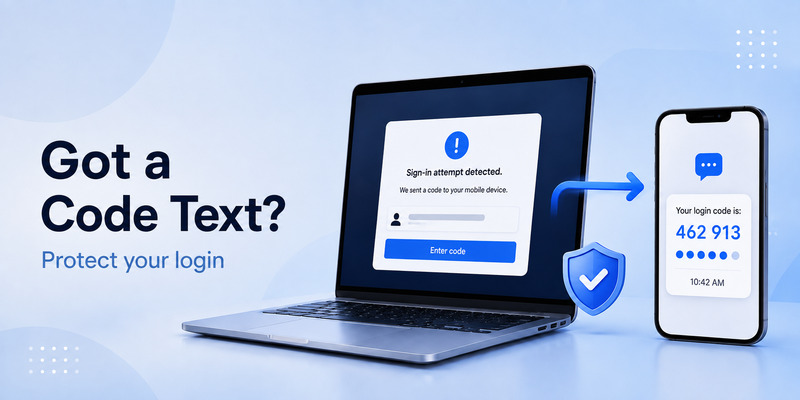
People often search why did i get a snapchat 2fa code text after receiving a code they did not request. It can mean that someone attempted to log in, reset a password, or trigger a verification step using your account information.
Do not panic, but do not ignore it either.
A snapchat 2fa code text that you did not request does not automatically mean your account was hacked. It may be caused by:
- You trying to sign in on another device and forgetting about it.
- An old browser or tablet attempting to reconnect.
- A login from a new network or location.
- Someone entering your username or phone number by mistake.
- Someone attempting to access your account.
The key rule is simple: never share the code. If another person requested it, they cannot complete the login without the code unless they also control another recovery method.
If you receive an unexpected snapchat 2fa code, change your Snapchat password from the official app, review your linked email address and phone number, and check for unfamiliar devices or sessions. Use a new, unique password that is not reused on other websites.
Snapchat explains that a code can be requested because 2FA is enabled or because Snapchat detects a login from a new or unrecognized device. Snapchat’s login-code troubleshooting guide also recommends using familiar devices and networks when possible.
💡 Discover Helpful Guides: 2FA Authenticator App: Complete Guide to Setup, Use, Download, and Secure Your Accounts
5. How to Enable Snapchat 2FA
To protect your account, enable a snapchat 2fa code method before an account problem occurs.
The general setup process is:
- Open Snapchat.
- Tap your Profile icon.
- Tap the Settings gear.
- Under shortcuts, open My Account.
- Choose Two-Factor Authentication.
- Tap Continue.
- Select Authentication App or SMS.
- Follow the on-screen confirmation steps.
- Generate and store a recovery code.
If you choose SMS, Snapchat sends your snapchat 2fa code to the phone number linked to your account. Keep that number current. Update it before cancelling an old mobile plan or moving to a new number.
If you choose an authenticator app, Snapchat provides the setup process needed to create rotating Login Codes. This approach can be more secure than SMS because it does not depend entirely on your phone number.
After enabling 2FA, create a recovery code immediately. It is not optional if you want a practical way back into the account after a lost phone, app deletion, or device reset.
📘 Explore More Useful Guides: Discord 2FA Code: Setup, Backup Codes, Errors, and Account Recovery Guide
6. Use an Authenticator App for Snapchat Codes
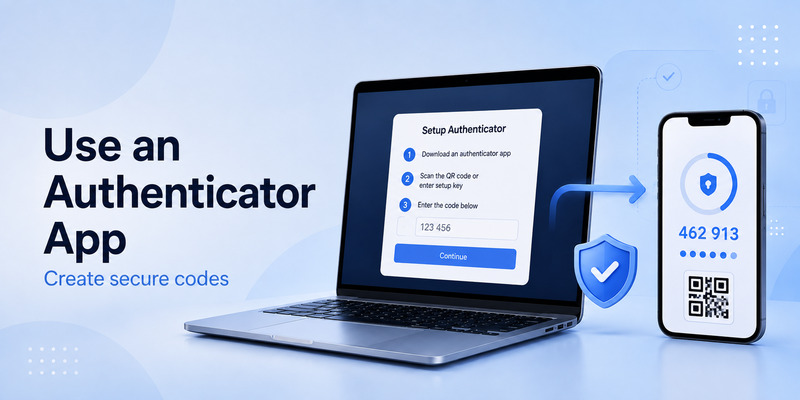
An authenticator App generates temporary login codes locally on your phone. Snapchat supports trusted authenticator apps such as Google Authenticator and Duo for 2FA.
To set up an authenticator-based snapchat 2fa code:
- Open Snapchat Settings.
- Go to My Account.
- Select Two-Factor Authentication.
- Choose Authentication App.
- Follow Snapchat’s setup prompts.
- Scan the displayed QR code or enter the setup key in your authenticator app.
- Enter the current code generated by the app.
- Save a Snapchat recovery code in a secure location.
A snapchat 2fa code generated by an authenticator app works for a short period, then refreshes. If Snapchat says the code is incorrect, wait for a new code and try again.
Make sure your device’s date and time are set automatically. Authenticator codes rely on accurate time; a phone with an incorrect clock may generate codes Snapchat cannot accept.
Do not delete the Snapchat entry from your authenticator app until you have disabled or moved the security method safely within Snapchat settings.
💡 Discover Helpful Guides: 2FA Authenticator Chrome: How to Set Up Secure Two-Factor Authentication in Your Browser
7. What to Do If You Cannot Receive a Snapchat Code
A missing snapchat 2fa code text can be stressful, but repeated requests may cause temporary limits. First, confirm whether Snapchat is sending the code to your linked phone number or your linked email address.
Try these steps:
- Check signal strength and turn airplane mode on and off.
- Confirm that the linked phone number is active.
- Wait a few minutes before requesting another code.
- Check email spam or junk folders if Snapchat offers email verification.
- Try a familiar device and Wi-Fi network you used with Snapchat before.
- Restart the app and your phone.
- Use your recovery code if you previously created one.
- Use Snapchat’s official support flow if the issue continues.
Do not request codes over and over in a short period. Snapchat notes that too many SMS-code requests or repeated login attempts can trigger a temporary “Too many requests” error.
If your 2fa code snapchat prompt appears but no text arrives, do not try to borrow or buy access to someone else’s account. Use only the recovery and support options connected to your own account.
📘 Explore More Useful Guides: 2FA Authenticator Instagram: Complete Setup, Login, Recovery, and Troubleshooting Guide
8. Recovery Codes and Changing Phones
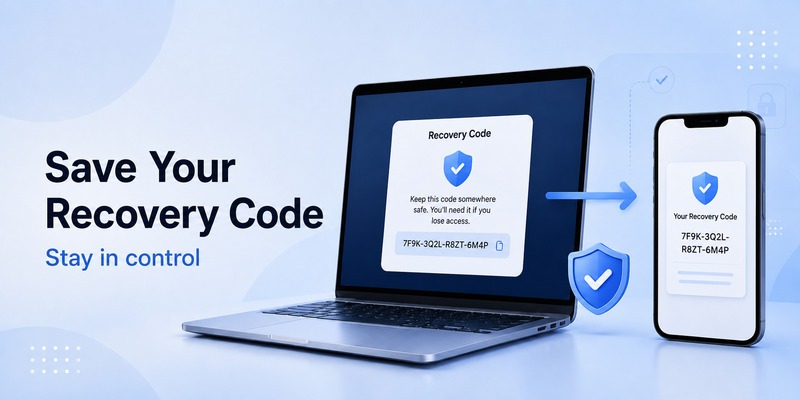
A Snapchat recovery code is your emergency access method. It can help if you lose your phone, change your number, reset your device, or can no longer use the app that generated your snapchat 2fa code.
To create a recovery code:
- Open Snapchat Settings.
- Go to My Account.
- Choose Two-Factor Authentication.
- Select Recovery Code.
- Tap Generate Code.
- Enter your password to confirm.
- Store the code somewhere secure and separate from your phone.
Snapchat states that if you use a recovery code to sign in, two-factor authentication is automatically turned off. You should immediately re-enable 2FA after regaining account access. Snapchat’s recovery-code guide also warns that lost recovery codes are not supported.
Avoid emailing the recovery code to yourself. If your email is compromised, an attacker may gain another route into Snapchat. A password manager secure note or protected physical storage is usually safer.
9. Snapchat 2FA Security Mistakes to Avoid
A snapchat 2fa code can protect your account only if you use it correctly.
Avoid these common mistakes:
- Sharing a code with anyone in chat.
- Entering codes on links from unexpected texts or DMs.
- Reusing your Snapchat password elsewhere.
- Leaving an old phone signed in after selling it.
- Failing to update your phone number or email.
- Forgetting to generate a recovery code.
- Deleting your authenticator app before moving to a new device.
- Treating a surprise code text as harmless.
If you receive an unexpected snapchat 2fa code text, do not send it to someone claiming to be Snapchat support. Instead, open the Snapchat app yourself, change your password, and review account details.
A strong Snapchat security setup includes a unique password, enabled 2FA, accurate recovery contact details, and a recovery code saved before an emergency happens.
📘 Explore More Useful Guides: 2FA Authenticator Instagram: Complete Setup, Login, Recovery, and Troubleshooting Guide
10. Frequently Asked Questions
What is a Snapchat 2FA code?
A snapchat 2fa code is a temporary code used to verify your identity after you enter your username and password.
What is a Snapchat 2FA code text?
A snapchat 2fa code text is an SMS Login Code sent to the phone number connected to your Snapchat account. It may appear when you sign in or when Snapchat detects a security check.
Why did I receive a Snapchat code I did not request?
It may mean someone tried to sign in, reset a password, or accidentally used your account details. Never share the code; change your password if you are concerned.
Can I use an authenticator app instead of SMS?
Yes. Snapchat supports authenticator-app verification, which generates temporary Login Codes without relying on text messages.
What happens if I lose my phone?
Use your Snapchat recovery code if you created one beforehand. After signing in with it, re-enable two-factor authentication immediately.
Is a six-digit Snapchat code my password?
No. A snapchat 2fa code is separate from your password and usually expires quickly. Both should remain private.
📘 Explore More Useful Guides: 2FA Authenticator Instagram: Complete Setup, Login, Recovery, and Troubleshooting Guide
Final Thoughts
A snapchat 2fa code adds meaningful protection to your Snapchat account by requiring more than a password at login. You can receive a code by SMS or generate one with an authenticator app, but both methods require careful recovery planning.
Enable two-factor authentication, keep your linked phone number and email current, create a recovery code, and never share unexpected login texts. A properly configured snapchat 2fa code helps keep your account private even when your password is exposed.
Download Authenticator App
Secure your accounts with fast, reliable two-factor authentication. Download now and protect your login in seconds.
