
How to Download Binance Authenticator Safely on Android and iPhone
Published September 15, 2026
By the Authenticator App Team
Download from Binance’s official download page. Start there to identify the app and the installation route offered for your device, then connect it to your Binance account through the account’s security settings. Installation alone does not enable two-factor authentication or restore codes from an older phone.
Binance’s support documentation currently calls the app BAuthenticator, while its download page still uses Binance Authenticator. That naming difference makes it especially useful to follow Binance’s own navigation instead of choosing a similarly named search result.
This guide covers Android and iPhone download decisions, APK checks, first-time enrollment, and the point at which an installation problem becomes an account-recovery problem. Keep an existing working authenticator available until the replacement has been verified.
Where to Download Binance Authenticator Safely
Start With Binance’s Own Download Page
Open Binance through your established bookmark or by entering its address yourself, then navigate to its downloads area. Binance maintains a page headed Download Binance Authenticator. The official page is the starting point for checking the route currently offered in your region; a search snippet or an old tutorial cannot establish that a particular download is still the right one.
When you download Binance Authenticator, inspect the destination before accepting an installation prompt. A page that displays the correct logo can still belong to someone else. If navigation unexpectedly leads to an unrelated file-sharing service, return to the official site and investigate instead of assuming that the detour is required.
Separate an Installer From an Account Login
A binance provides software, not access to your exchange account. You should not need to send someone a password, live verification code, or recovery key to obtain an installer. A person offering to activate the download remotely is asking for a different and much more sensitive action.
Use a short source check before continuing: you reached the page yourself, the product is the authenticator rather than the trading app, and the destination is the one Binance currently supplies. If any of those checks fails, stop at that point. The aim is to download Binance Authenticator with a traceable source, not to find whichever copy installs fastest.
💡 Discover Helpful Guides: Binance Authenticator: Complete Setup, QR Code, Reset, and Security Guide
Check Your Phone and the Installation Route
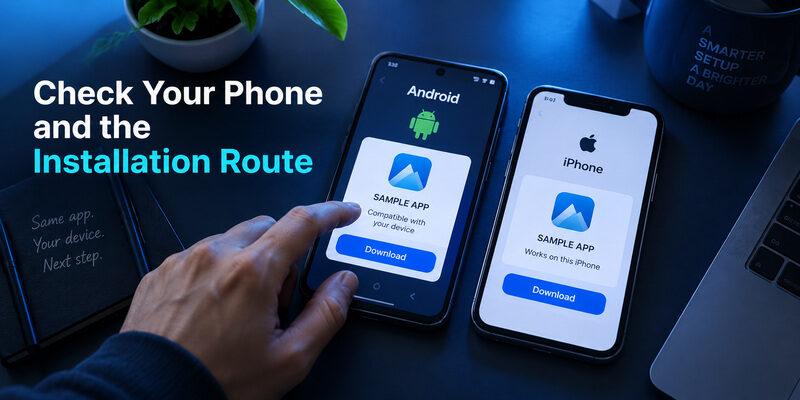
Use a device you control and expect to keep available. A borrowed phone may help you read instructions, but it is a poor permanent home for the account’s authenticator entry.
Android: Follow the Route Actually Offered
For a binance authenticator app download for android, check the official page on the phone where you intend to use it. Store availability, device support, and direct-download options may differ. Do not assume a particular store listing exists in every country or that an APK found elsewhere is an approved substitute.
Read the compatibility information shown by the destination before installing. If the device is unsupported, changing the filename or downloading an older package does not resolve the underlying support issue. It may leave you using software that cannot receive the updates you need.
iPhone: Check the Listing Before Installing
On iPhone, follow the official route to the applicable listing and inspect the developer, compatibility details, and installation requirements there. The name BAuthenticator may appear in Binance’s instructions. Use the official navigation to resolve that difference instead of trusting the title alone.
| Installation situation | What to verify | Next action |
|---|---|---|
| Android store route offered | Destination and device compatibility | Install through that verified listing |
| Official direct download offered | Source, package, and system prompt | Follow the documented device process |
| iPhone listing offered | Developer and supported device | Install from the verified listing |
| No usable route appears | Region and device support | Consult official help before switching sources |
Before you download Binance Authenticator on a second phone, decide whether this is a fresh setup or a transfer. The same installation can lead to very different next steps. A new user needs enrollment; an existing user needs the current account secret or an authorized replacement process. The download itself does not distinguish between those situations.
🗺️ Browse How-To Guides: Binance Google Authenticator: Setup, Codes, and Recovery Explained
Handle APK Searches Without Guessing
If you are setting up a phone for another person, let the account owner complete the private enrollment. You can help locate the verified download and explain the steps without photographing their QR code. That keeps installation assistance separate from possession of the account’s future verification codes.
Check the Source of the Package
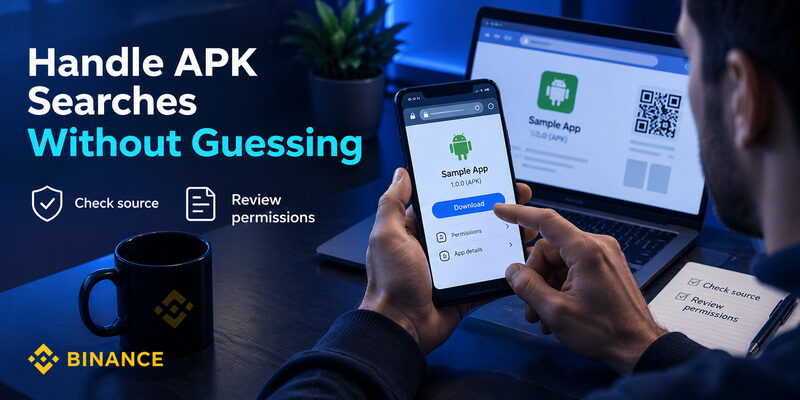
Searches such as binance authenticator download apk and binance authenticator apk latest version often lead to repositories that redistribute app packages. A recent date or a large version number does not prove that the package came from Binance. Prefer the route reached from Binance’s own download page, and do not let an advertisement decide which file you install.
If you download Binance Authenticator as a package through an officially offered route, pay attention to the actual system prompt. Installing software and granting it access to another service are separate events. A request to reveal your existing authenticator secret to a website is not a normal consequence of obtaining an Android installer.
Treat Unexpected Permissions as a Reason to Investigate
Camera access can have a clear purpose when scanning an enrollment QR code. Other requests need an explanation that matches the feature you are using. Do not grant broad device-control permissions merely because a download tutorial tells you to ignore the warning.
A binance authenticator app apk should not be evaluated only by whether it opens successfully. Check where it came from and how it will be updated. If the official source cannot be established, remove that uncertainty before linking a live account. Keep the previous working setup intact while you investigate; repeated installation experiments can make it difficult to remember which app contains the valid registration.
Connect the Installed App to Binance
An existing APK file in a downloads folder can be difficult to identify months later. Revisit the official source when you need a fresh installation instead of forwarding an unexplained attachment between devices. A meaningful filename alone cannot establish the file’s origin or integrity.
Open the Authenticator Enrollment Screen
Binance’s official BAuthenticator website guide places enrollment under Account, Security, and the management control for Authenticator App. It then presents a QR code and a setup key. Follow the current wording shown in your own account because the mobile app and website may arrange those controls differently.
After you download Binance Authenticator, open the app and add the secret from that authenticated setup screen. Scan the QR code with the app’s scanner, or use its setup-key entry option when scanning is impractical. Merely typing Binance as an account label does not establish the connection.
Finish the Verification on Binance
Return to Binance and enter the fresh six-digit code from the new entry. Wait for the service to confirm that the authenticator is enabled before closing the setup screen. A countdown in the app proves only that it is generating codes; acceptance by Binance proves that the enrollment matches.
If you are following instructions for how to download binance authenticator app on the same phone used for Binance, switching between the two apps can consume much of a code’s remaining lifetime. Prepare the entry field first, then copy a fresh code. Avoid taking a screenshot of the setup secret just to make app switching easier.
The useful completion check is therefore specific: download Binance Authenticator, enroll the intended account, submit an accepted code, and retain the recovery material securely. Installation is only the first item in that sequence.
📖 Explore Articles: Binance Authenticator QR Code: How to Find, Scan, and Set Up 2FA
Know Which Binance Code You Are Looking At
An Empty List Needs Enrollment
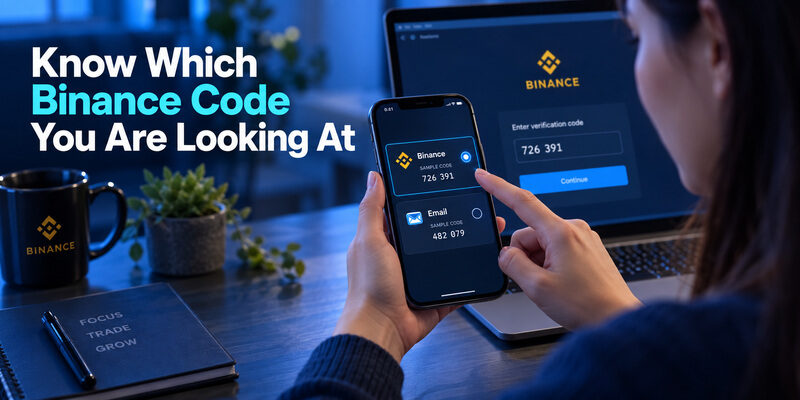
A newly installed authenticator may show an empty list. That is expected before enrollment and does not necessarily indicate a failed download. Conversely, a populated list can contain old entries, imported duplicates, or codes for other services. Read the account label and connect it to the action you are performing before copying anything.
If you download Binance Authenticator because a website asks for a code, first determine which method the website expects. A code sent by email, a text message, and an authenticator-generated code are separate verification channels. Copying a value from the wrong channel will not work just because the number of digits looks similar.
Google and Binance Are Separate Apps
An important distinction also applies to a download search. Google Authenticator is a separate product that can be enrolled with Binance; it is not another name for Binance’s own app. Installing both products does not automatically give them matching Binance registrations. Each needs a valid secret through an authorized setup or transfer route.
The phrase download binance authenticator app can hide an existing account problem: perhaps the original phone was replaced and the new app has no entries. In that situation, repeating the download will not bring the old secret back. Check whether a documented transfer, saved setup key, or recovery route exists. Keep track of what you actually have before attempting to change the account’s security configuration.
💡 Discover Helpful Guides: How to Add Binance Authenticator: Complete 2FA Setup Guide
Make Recovery Part of the First Installation
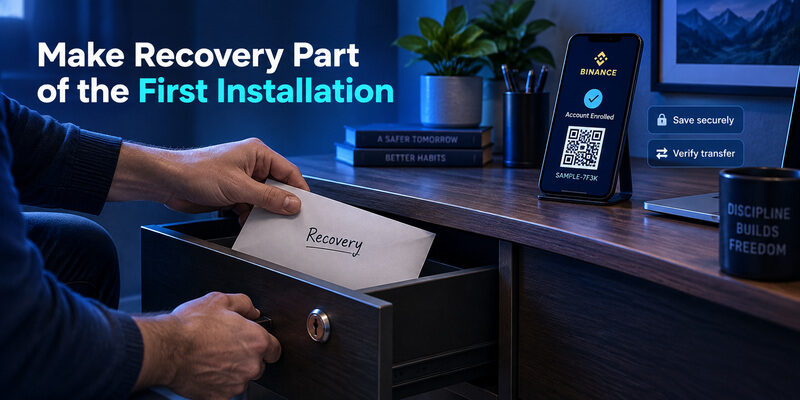
Preserve a Usable Recovery Route
Decide how you would regain access if this phone stopped working tomorrow. If Binance presents a setup key, protect it as sensitive account material. Store it where you can retrieve it without relying entirely on the same phone, and avoid exposing it in shared notes, photo albums, or messages.
People often download Binance Authenticator during an urgent login and postpone this decision. That creates a fragile setup: the code works today, but the route back after device loss is unclear. Recovery preparation is most useful while you still have a working session and can verify the account’s security settings.
Verify Transfer Instead of Assuming Cloud Restore
Binance documents an account-export function in BAuthenticator. Check the instructions for your installed version before depending on it. Do not infer cloud synchronization from the fact that your phone has a general device-backup service enabled.
For a binance authenticator download android transfer, keep the original phone until the new device generates a code that Binance accepts. A successful app installation or a copied account label is not sufficient evidence. Check the actual login or verification flow while a known working route remains available.
When you download Binance Authenticator for long-term use, a secure recovery arrangement matters more than finishing the setup a minute sooner. Record the recovery method, protect its sensitive material, and ensure that you understand which account each backup belongs to. Do not store unexplained codes that you will struggle to identify later.
🗺️ Browse How-To Guides: What Is Binance Authenticator App? A Beginner’s Guide to Binance 2FA
Diagnose Installation and Verification Separately
Write down the stage and the exact error before changing anything. For example, an operating-system installation error is different from an empty account list, and both are different from a rejected verification. This small record helps you avoid repeating a step that already succeeded while overlooking the part that actually failed.
When the App Will Not Install or Open
Start with the message shown by the operating system or store. Check device compatibility, available storage, and whether the download completed. Return to the official source if the file is incomplete. Avoid repeatedly downloading packages from different sites, because that changes several variables at once and makes the source harder to establish.
If you cannot download Binance Authenticator through the offered route, consult Binance’s current help and the device’s own installation guidance. Do not treat a security block as an instruction to disable every protection. Determine what is blocked and why before deciding on the next step.
When the App Opens but Binance Rejects Codes
Check the selected account, the remaining code lifetime, and the phone’s date and time. If the entry came from an old setup, it may no longer match Binance’s current registration. An app can generate plausible numbers indefinitely from an obsolete secret.
| Symptom | Likely area to investigate | Useful first check |
|---|---|---|
| Installer fails | Device or installation route | Read the system error and compatibility details |
| Empty account list | Enrollment or restoration | Confirm whether an account was added |
| Code rejected | Token selection or registration | Check the current entry and a fresh code |
| Old phone unavailable | Recovery | Identify a saved or previously configured route |
Do not download Binance Authenticator again as the default fix for every rejected code. Reinstallation can remove local data without changing the account’s requirements. Diagnose the failure at the stage where it occurs, and preserve information that may still be needed for recovery.
💡 Discover Helpful Guides: Binance US Google Authenticator: How to Set Up and Use 2FA Safely
Decide Whether a Different Authenticator Fits Better
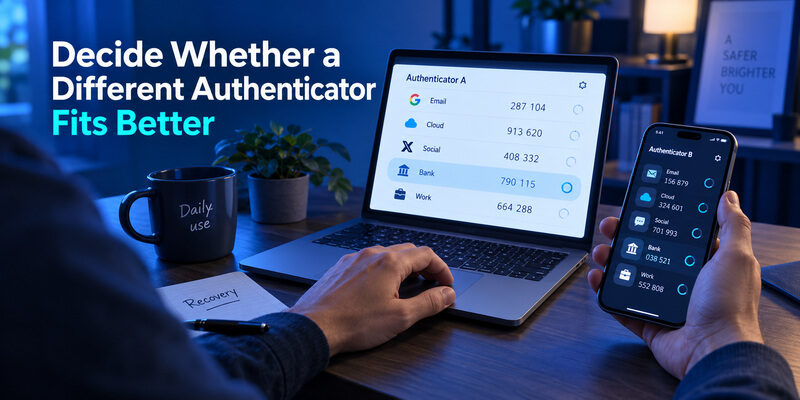
Keep a Working Setup When It Fits
You do not need to change apps merely because an alternative exists. If the reason to download Binance Authenticator is familiarity with Binance’s interface, check that its actual recovery and device workflow fit your needs. A working, understood setup is preferable to switching brands without a specific benefit.
Google Authenticator is another documented Binance option. Google’s Account Help describes optional account synchronization and a manual transfer route. Those capabilities may matter to users preparing for a phone replacement, but they also introduce decisions about the account used for synchronization and how that account is recovered.
Evaluate an Alternative for a Specific Need
is another option to evaluate for OTP management if the current interface is difficult to use. Its official homepage describes code generation and biometric protection. Verify compatibility with the enrollment flow offered in your account and confirm recovery behavior before moving an existing registration; the app cannot restore an unknown secret or remove Binance’s account checks.
This is a workflow decision, not a claim that installing one product makes every login safe. A comparison of can help clarify the differences, but your immediate task remains obtaining the right software and completing enrollment. If you still choose to download Binance Authenticator, follow its official route and retain your current factor until the new setup succeeds. Avoid letting a download problem turn into several untested security changes at once.
📖 Read More Guides: Binance Authenticator vs Google Authenticator: Which Is Better in 2026?
Consider Authenticator App by Begamob
If Binance Authenticator does not fit the way you prefer to manage verification codes, Authenticator App by Begamob is another option to consider for compatible OTP and two-factor authentication accounts.
The app is designed to help users store and generate time-based verification codes in one place, while offering an alternative interface to Binance Authenticator or Google Authenticator. Begamob also provides biometric protection for supported devices, adding another local access layer before someone can open the authenticator.
For Binance users, the important point is that switching apps does not change how Binance 2FA works. You still need to enroll the authenticator using the QR code or setup key generated from your own Binance security settings, then enter a fresh code back into Binance to confirm that the registration works.
When Begamob May Be a Better Fit
Authenticator App by Begamob may be worth considering if:
- You want a different interface for managing multiple OTP accounts.
- You prefer biometric protection for access to your authenticator.
- You want one authenticator for Binance and other compatible services.
- You find your current authenticator difficult to organize or navigate.
- You are setting up 2FA for the first time and want to compare available options before committing to one app.
However, changing authenticator apps should solve a specific problem rather than simply replacing a working setup.
If Binance Authenticator is already working reliably and you understand its recovery process, there is no urgent reason to move. Likewise, installing Authenticator App by Begamob will not restore a missing Binance secret, bypass account verification, or remove Binance security restrictions.
Binance Authenticator vs Google Authenticator vs Begamob
| Option | Best for | Main advantage | What to consider |
|---|---|---|---|
| Binance Authenticator | Users who prefer Binance’s own ecosystem | Familiar Binance-focused workflow | Confirm transfer and recovery options for your version |
| Google Authenticator | Users managing multiple services | Optional Google Account sync and documented transfer tools | Protect the Google Account used for synchronization |
| Authenticator App by Begamob | Users wanting an alternative OTP interface | Multi-account code management and biometric protection | Verify compatibility and recovery workflow before moving an existing registration |
For most users, the safest approach is to keep the current authenticator active until the new app has been successfully enrolled and Binance has accepted a code from it.
If you decide to use Authenticator App by Begamob, complete the enrollment through Binance’s official security settings rather than copying an unexplained QR code or secret from another source. Once verification succeeds, confirm your recovery plan before removing the previous authenticator from your device.
Final Thoughts
To download Binance Authenticator successfully, establish the official source first and verify the account connection afterward. The app’s presence on your phone is not the same as an enabled Binance security method. Finish the confirmation step, identify the correct entry, and secure a recovery route before relying on the new installation.
Android users should distinguish an officially offered package from a third-party mirror. iPhone users should inspect the listing reached through the official route. Neither group should assume that an app name, a familiar icon, or a claim about the latest version proves the source. Use the actual navigation and compatibility information available for your device.
If your real problem is a missing code after phone loss, another download cannot recreate the secret. Investigate restoration or Binance’s recovery process while preserving any remaining signed-in session. If the problem is an expired code, check timing and account selection before making changes to the registered factor.
The best outcome when you download Binance Authenticator is a complete, understandable setup: verified software, an accepted code, and a recovery plan you can use. Keep those three checks together when installing on a new phone, helping someone with their own account, or revisiting an older setup. A short verification now can prevent an avoidable lockout when the original device is no longer available.
Download Authenticator App
Secure your accounts with fast, reliable two-factor authentication. Download now and protect your login in seconds.
