What Is Binance Authenticator App? A Beginner’s Guide to Binance 2FA
Published September 11, 2026
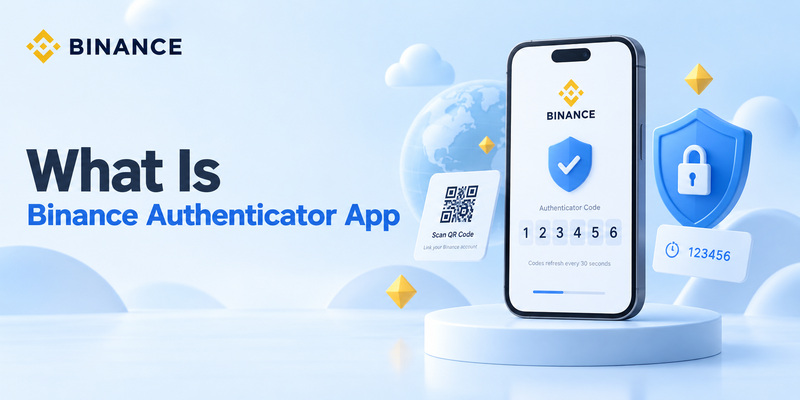
What is binance authenticator app? It is a security tool used to generate temporary verification codes for your Binance account.
Instead of protecting your account with only a password, Binance can ask for an additional six-digit authentication code generated by an authenticator application. This is known as two-factor authentication, or 2FA.
For beginners, the easiest way to understand it is:
Password = something you know.
Authenticator code = an additional proof that you have access to your trusted authentication device.
Binance currently documents support for authenticator-based 2FA through solutions including Authenticator and Google Authenticator. After an authenticator is connected to Binance, it generates six-digit codes that Binance can request during authentication.
So if you are wondering what is binance authenticator app, think of it as a security code generator, not another cryptocurrency wallet or trading application.
Why Does Binance Use an Authenticator App?
To understand what is binance authenticator app, you first need to understand why a password alone is not always enough.
Passwords can be exposed through:
- Phishing websites
- Password reuse
- Malware
- Data breaches
- Weak passwords
- Stolen credentials
If an attacker gets your password, password-only security may allow that person to attempt to access your account.
2FA adds another checkpoint.
Binance describes two-factor authentication as an additional security layer designed to verify a user’s identity before granting account access. Binance specifically recommends 2FA because even if someone obtains the account password, they still need the second authentication factor.
For a cryptocurrency account, this extra layer is particularly important because the account may contain financial assets and sensitive personal information.
The authenticator does not replace your password. It works alongside it.
💡 Discover Helpful Guides: Binance Authenticator: Complete Setup, QR Code, Reset, and Security Guide
How Does Binance Authenticator Work?
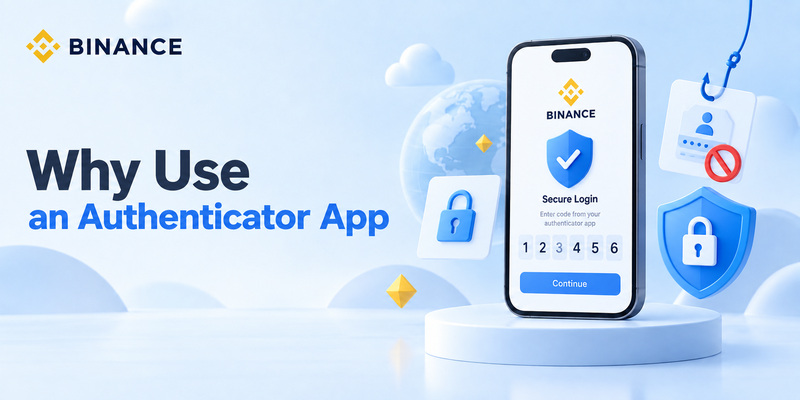
For someone asking how does binance authenticator work, the technology may sound complicated, but the user experience is simple.
When you enable authenticator-based 2FA, Binance shows you a QR code and a secret setup key.
You scan that QR code using the authenticator or manually enter the setup key.
The authenticator and Binance can then calculate matching temporary passwords.
This method is commonly based on TOTP — Time-Based One-Time Password technology.
The technical standard for TOTP is RFC 6238. It defines a system where a secret key and the current time are used to generate temporary authentication values. The standard recommends a 30-second time step as a balance between security and usability.
That is why the number displayed inside an authenticator app changes frequently.
A simplified version looks like this:
Your secret setup key + current time → temporary six-digit code
Binance performs a compatible calculation.
If the number you enter matches the expected code, Binance knows that you have access to the authenticator that was originally linked to the account.
That is the core answer to how does binance authenticator work.
What Is a Binance Authenticator Code?
Another common beginner question is what is binance authenticator code.
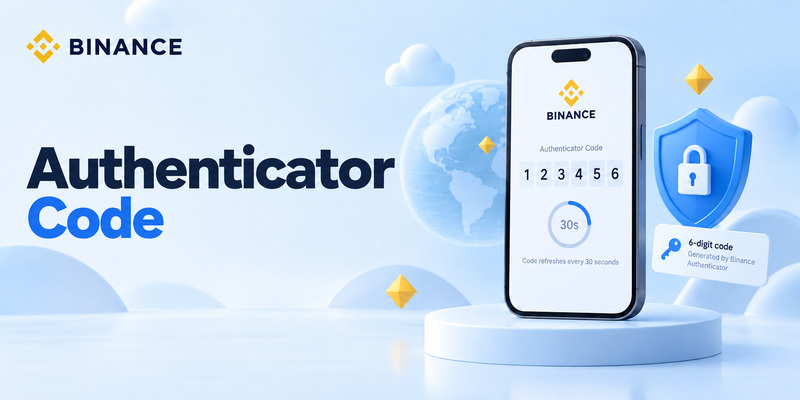
It is the temporary verification number displayed inside your authenticator for your Binance account.
Binance’s official BAuthenticator and Google Authenticator setup guides currently describe entering a six-digit code generated by the application to verify and complete authenticator setup.
For example, an authenticator may temporarily display something such as:
482 193
After a short period, that code expires and a different number appears.
This is intentional.
A Binance authenticator code is not:
- Your Binance password
- Your Binance PIN
- A crypto wallet private key
- A withdrawal address
- A code Binance permanently sends to your phone
The code is temporary and is generated by the authenticator.
So when someone asks what is binance authenticator app, one of its most important functions is simply to generate these changing verification codes securely.
🗺️ Browse How-To Guides: Binance Google Authenticator: Setup, Codes, and Recovery Explained
Binance Authenticator vs the Binance App
Beginners frequently confuse the two.
The main Binance app is the application used to access Binance services and account features.
An authenticator, on the other hand, is used for security verification.
You might use the Binance app to sign in to your account, and then use the authenticator to obtain the six-digit number required to confirm that login.
Think about them this way:
Binance app → where you access your Binance account.
Authenticator → helps prove that the person accessing the account is authorized.
This distinction is important when learning what is binance authenticator app.
Installing an authenticator alone does not automatically connect it to Binance. You must first enable Authenticator App protection inside your Binance Security settings and link the authenticator using the QR code or setup key. Binance’s official process follows this connection flow.
Binance Authenticator vs Google Authenticator
Users searching what is binance authenticator app may also see Google Authenticator mentioned frequently.
Both can be used for the same general purpose: generating temporary authentication codes.
Binance publishes separate official instructions for BAuthenticator and Google Authenticator. In both workflows, users go to Binance’s Security area, enable an Authenticator App, connect it using a QR code or setup key, and confirm the setup with a six-digit code.
Google Authenticator is Google’s general-purpose authentication application. It can store codes for many supported accounts and services, not just Binance.
Google states that Authenticator can generate verification codes even without an internet connection or mobile service. It also supports synchronization of codes between devices when users choose to sign in with a Google Account.
For a beginner, the most important point is:
You do not need to understand the technical differences between every authenticator before learning how 2FA works.
Use an authenticator supported by the service, install it from a trusted official source, and protect your setup information carefully.
💡 Discover Helpful Guides: Binance Authenticator QR Code: How to Find, Scan, and Set Up 2FA
Is Binance Authenticator Safe?
A common question is is binance authenticator safe.
Authenticator-based 2FA is generally a stronger security choice than relying only on a password, and security guidance generally rates one-time-code authenticator apps above SMS or email verification.
CISA’s MFA guidance ranks security methods from stronger to weaker and places authenticator apps generating one-time codes above SMS and email codes. However, CISA also notes that hardware security keys provide stronger phishing resistance.
This distinction is important.
Authenticator apps improve security, but they are not impossible to attack.
For example, a phishing website could imitate Binance and ask you for:
- Your email address
- Your password
- Your current six-digit authentication code
If you enter all three into the fake website, an attacker may attempt to use them before the temporary code expires.
So the answer to is binance authenticator safe is:
Yes, authenticator-based 2FA provides meaningful additional protection, but users still need to avoid phishing and protect their device and setup secret.
📘 Find the Right Guide: Binance Authenticator Reset: How to Recover 2FA Access Safely
How to Start Using an Authenticator App With Binance
Now that you understand what is binance authenticator app, setting one up becomes much easier.
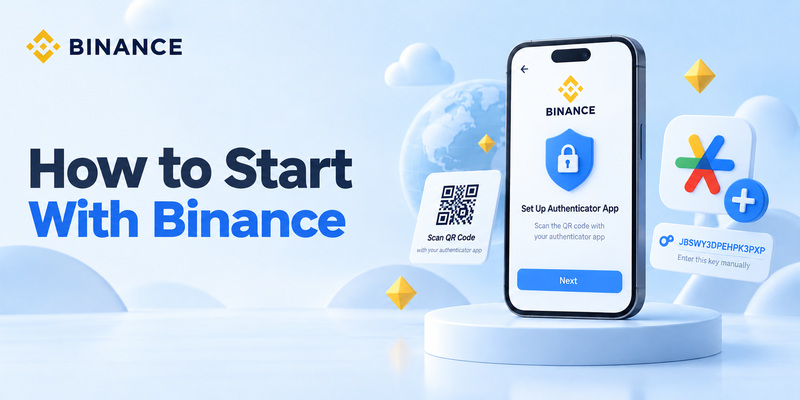
Binance’s current website instructions for Google Authenticator use this basic process:
Step 1: Log in to Binance.
Go to your account settings.
Step 2: Open Security.
Find Authenticator App and select Manage.
Step 3: Enable Authenticator App.
Binance displays a QR code and setup key.
Step 4: Open your authenticator.
Scan the QR code or enter the setup key manually.
Step 5: Check the Binance entry.
Your authenticator should now display a temporary code associated with Binance.com.
Step 6: Enter the six-digit code into Binance.
Once Binance accepts the code, the authenticator is enabled.
The exact interface may change over time, so beginners should always follow the instructions displayed inside their current Binance Security settings.
Never obtain setup QR codes from another person or an unofficial website.
What Happens When You Log In?
After understanding what is binance authenticator app, the daily login process is simple.
Imagine that you want to access Binance.
You enter your normal login credentials.
Binance may then request your authenticator verification code.
Open the authenticator on your trusted phone.
Locate the Binance entry.
You will see a six-digit number.
Enter that current code into Binance.
If it is valid, authentication continues.
This additional step means that someone who discovers your password still has another security barrier to overcome.
Binance describes this exact principle in its 2FA documentation: compromising the password alone does not provide the second authentication factor.
You normally need only a few seconds to retrieve the code.
🧭 Explore Guides
How to Add Binance Authenticator: Complete 2FA Setup Guide
Does Binance Authenticator Need Internet?
This question often surprises beginners researching what is binance authenticator app.
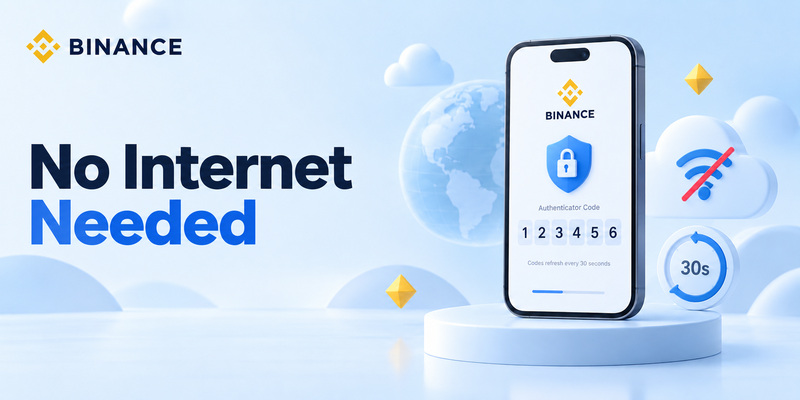
TOTP authenticator codes can be generated locally rather than downloaded from Binance each time.
Google explicitly states that Google Authenticator can generate verification codes without internet connectivity or mobile service.
This works because both the authenticator and the service already know the secret established during setup and use time as part of the code-generation process.
That is also why your device’s clock matters.
RFC 6238 explains that TOTP verification depends on time steps and clock synchronization between the authenticator and the validating server.
So if authentication codes repeatedly fail, checking whether your phone uses automatic date and time settings is a sensible troubleshooting step.
What Happens If You Lose Your Phone?
This is one of the most important things beginners should understand before enabling 2FA.
Losing your phone does not automatically mean losing your Binance account, but recovery may require additional verification.
Google Authenticator currently supports code synchronization between devices when a user chooses to sign into Google Authenticator with a Google Account. It also provides a manual account-transfer process.
If you use another authenticator, backup and transfer options may differ.
The safest approach is to understand your recovery options before the phone is lost.
If you replace an existing Google Authenticator connection directly through Binance, Binance’s March 2026 instructions state that withdrawals, internal transfers, and P2P transactions can be disabled for up to 48 hours following the change as a security measure.
This restriction helps reduce the risk that someone who compromises an account can immediately replace its authentication method and move assets.
Common Beginner Mistakes
Knowing what is binance authenticator app is useful, but avoiding basic mistakes is just as important.
Sharing the Setup Key
The setup key is sensitive authentication information.
Never send it to another person.
RFC 6238 specifically recommends that TOTP keys be protected against unauthorized access and use.
Sharing the QR Code
The QR code used during setup contains the information required to configure the authenticator.
Do not post screenshots of it publicly.
Sending Someone a Current Code
A real support representative should not need you to send temporary authentication codes through Telegram, WhatsApp, Discord, or social media.
Downloading Fake Apps
Start from Binance’s official Security guidance or your device’s trusted application store rather than advertisements or random download pages.
Deleting the Authenticator Too Early
Before replacing or resetting a phone, make sure you understand how your authenticator codes will be transferred or recovered.
Thinking 2FA Stops All Phishing
It does not.
CISA notes that one-time authenticator codes offer better protection than SMS but are still vulnerable to phishing; phishing-resistant authentication methods such as FIDO security keys provide stronger protection.
Should Beginners Use Binance Authenticator?
For most users who want stronger account protection, enabling MFA is a sensible security practice.
If you are still asking what is binance authenticator app because the process sounds technical, the important thing to remember is that daily use is simple.
You generally:
Open the app → read six digits → enter them into Binance.
The technical process behind the code is handled automatically.
An authenticator provides an additional layer beyond your password and does not depend on SMS delivery.
CISA specifically recommends using stronger MFA methods where available and rates authenticator-generated one-time codes above text or email verification.
For beginners, the biggest responsibility is not generating the code. It is protecting the phone, setup key, QR code, and recovery options.
FAQ About Binance Authenticator
What is Binance Authenticator app used for?
If you are asking what is binance authenticator app, its core purpose is to provide an additional authentication factor for your Binance account by generating temporary verification codes.
What is a Binance Authenticator code?
For what is binance authenticator code, it is the temporary six-digit number generated by the authenticator linked to your Binance account. Binance asks users to enter this six-digit number during authenticator setup.
How does Binance Authenticator work?
For how does binance authenticator work, Binance and the authenticator share setup information that allows compatible time-based codes to be calculated. TOTP commonly uses 30-second time intervals.
Is Binance Authenticator the same as the Binance trading app?
No. When learning what is binance authenticator app, remember that authentication and trading serve different purposes. The authenticator generates security codes, while your Binance account interface provides access to Binance services.
Do I have to use Google Authenticator?
Binance currently publishes official support instructions for both BAuthenticator and Google Authenticator.
Can an authenticator work without Wi-Fi?
Yes. For example, Google states that Google Authenticator can generate verification codes without an internet connection or mobile service.
Does the authenticator code stay the same?
No. TOTP codes change frequently. RFC 6238 recommends a default time step of 30 seconds.
Is Binance Authenticator safer than SMS?
If your question is is binance authenticator safe compared with SMS, authenticator-generated one-time codes are generally considered stronger. CISA ranks them above text and email verification, although phishing-resistant security keys offer stronger protection.
Final Thoughts
So, what is binance authenticator app?
It is best understood as a security application that creates temporary verification codes used as an additional factor when protecting a Binance account.
It is not something a beginner needs to be afraid of.
You do not need to calculate codes yourself. You do not need to understand cryptography. And the authenticator is not where you trade cryptocurrency.
Its job is simply to help prove that a login or security action is being performed by someone who has access to your trusted authentication method.
When Binance’s authenticator setup is enabled, you connect the app using a QR code or setup key and confirm it with a six-digit code. Binance currently documents this process for both BAuthenticator and Google Authenticator.
Behind the scenes, time-based authentication technology can generate new codes approximately every 30 seconds, while the user experience remains simple.
For someone researching what is binance authenticator app for the first time, the most important rules are straightforward:
Use an official authenticator, protect your setup information, never share temporary codes, keep a safe recovery plan, and always verify that you are logging into the real Binance service.
Once those basics are understood, an authenticator app becomes one of the simplest additional security layers you can add to an online account.