
Email 2FA: Protect Your Inbox and Understand Email Codes
Published September 16, 2026 · Updated September 23, 2026
Email 2FA can mean protecting your mailbox with a second authentication factor or receiving a verification code by email for another service. These are different security arrangements.
To protect an inbox, enable the mail provider’s supported account-security methods and prepare recovery before you need it. To assess an emailed code, consider how securely the receiving mailbox is protected and whether the code is an additional factor or the only sign-in proof. This guide covers both meanings, practical setup decisions for common account types, delayed codes, phone replacement, and the limits that remain even after an extra verification step is switched on.
Two Meanings of Email 2FA
Protecting the email account itself
Two factor authentication for email accounts adds another required proof to a password-based sign-in. Depending on the provider, that proof might come from an authenticator, an approved device, or a registered security key. Some services also offer passkey-based sign-in, which changes the familiar password-plus-code experience.
The goal of email 2fa in this sense is to make a stolen password insufficient for ordinary unauthorized sign-in. The exact challenges can vary by account, device, and security event. An already authorized session may not ask for the same proof every time it checks for new mail.
Receiving a code in the inbox
Two factor authentication via email usually means another service sends a code to your mailbox after an earlier step. The inbox becomes part of that other service’s authentication chain. If the email is the only sign-in proof, the flow may instead be passwordless authentication.
An emailed number does not automatically establish two independent factors. The security arrangement depends on what the service asks for and how the mailbox is accessed. That is why email 2fa should be evaluated by the actual workflow rather than by the presence of two screens.
For example, confirming an address during registration proves that someone can receive that message. It does not necessarily add a second factor to future sign-ins. Keep address confirmation, account recovery, and ordinary login verification separate when reading the provider’s instructions.
💡 Discover Helpful Guides: Email Authenticator: Complete Guide to Secure Email Authentication
Compare the Available Verification Methods
Balance daily use with recovery
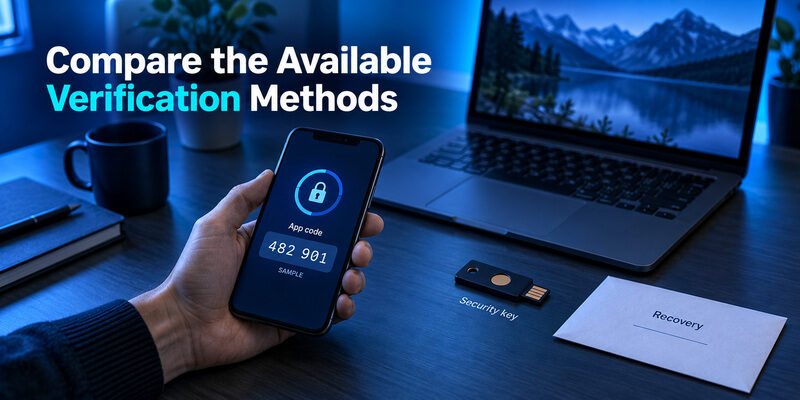
An authenticator code can be useful when cellular reception is unreliable, because an enrolled time-based app calculates codes locally. A notification-based method can be convenient but relies on the registered device and the provider’s supported approval flow. A security key requires compatible hardware and prior registration.
Choosing email 2fa is therefore a practical decision about what you can use reliably and recover responsibly. Do not remove a working method simply because another option sounds stronger before you have completed the replacement’s setup and verification.
| Method | Everyday use | Recovery consideration |
|---|---|---|
| Authenticator code | Read a current code from the enrolled entry | Understand backup or transfer |
| Approved-device prompt | Respond to a sign-in you initiated | Keep permitted alternatives available |
| Security key | Use the previously registered key | Register and protect a spare where possible |
| Emailed code | Retrieve a message from another mailbox | Protect that mailbox independently |
| Recovery code | Enter a saved backup value | Store privately and track used codes |
Consider phishing resistance separately
Manually entered codes can be captured by a convincing false sign-in page and relayed to the real service. NIST’s authentication guidance distinguishes this from phishing-resistant methods. Google also describes passkeys and security keys as options that improve protection against phishing.
A useful email 2fa plan considers both factors: how easily an attacker can steal the proof and how easily you can regain access after losing a device. Convenience, phishing resistance, and recovery are related decisions, but one attractive feature does not settle all three.
Consider your normal environment before making the choice. A traveler may need a method that works without mobile reception, while a managed workplace may require a particular device. A shared family computer raises a different concern: who can use an already authenticated session. Select email 2fa with those real circumstances in mind, then test the exact arrangement you intend to use.
📘 Find the Right Guide: Email 2FA: Protect Your Inbox and Understand Email Codes
Set Up Mailbox Protection in a Controlled Order
Start with the actual account provider, not an advertisement for a generic security download. Open the provider’s account-security settings through a trusted route and confirm the address you intend to protect. If a company manages the account, follow its registration requirements.
Next, review existing recovery information. Replace contact details you no longer control while you still have access. Then enroll the chosen method through the provider’s own process and finish its confirmation. A code displayed by an app does not prove enrollment succeeded until the account accepts the appropriate test.
Complete email 2fa setup with a controlled verification while preserving a working session. Make sure the new method belongs to the intended account and that you know where backup information is stored. Do not sign out everywhere or wipe a phone merely to test whether recovery might work.
A practical completion check is short:
- The provider shows the intended method as registered.
- A verification for the correct account succeeds.
- Recovery information is stored privately and remains accessible without the main phone.
- Any alternative method you plan to rely on is actually permitted and available.
Finally, document the process without recording live credentials in an ordinary note. The point is to remember which provider controls the setting and how to reach the recovery route. Email 2fa is easier to maintain when those responsibilities are clear before a device fails.
📖 Read More Guides: Email Authentication Failed Fixes for Login and Sending
Gmail: Protect the Google Account Behind the Inbox
Start in Google Account security
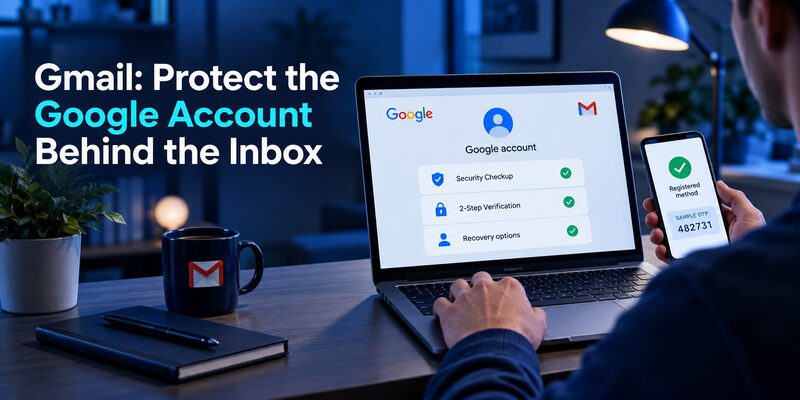
For Gmail, the relevant protection belongs to the Google account. Google’s current guidance starts in Security & sign-in and the 2-Step Verification area. The account can offer different ways to verify, including prompts, authenticator codes, passkeys, or security keys, according to the applicable settings.
If an organization manages the account, an administrator may determine which options are allowed. Email 2fa instructions for a personal Gmail account should not be assumed to override a school or workplace policy.
Enroll the chosen method and plan alternatives
When you select an authentication-app method, finish the account’s enrollment and code confirmation. Installing Google Authenticator or another compatible generator is only one part of the process. The entry must contain the information associated with that Google account.
Google’s documentation also describes backup methods for situations such as losing a phone. Review the options available to your account and keep recovery material private. Protect the Google account used for any authenticator synchronization as another important dependency.
Email 2fa should also include careful treatment of prompts. Approve only the sign-in you initiated, and investigate an unexpected request through the account’s trusted security interface. A prompt arriving on your phone is not evidence that someone asking you to approve it is legitimate.
After enrollment, use a device and browser you control for the verification test. A shared computer should not casually become a trusted device merely to reduce future prompts. Daily convenience should be considered alongside who else can access that browser session.
Download Authenticator App
Secure your accounts with fast, reliable two-factor authentication. Download now and protect your login in seconds.
Outlook and Microsoft 365: Account Type Changes the Rules
Personal Microsoft accounts
Personal Outlook.com accounts use Microsoft’s personal security settings for two-step verification. Review the methods offered there and complete the relevant registration. Microsoft advises preparing accessible security information because losing every usable method can make recovery difficult.
For email 2fa, distinguish the mailbox application from the account identity. An Outlook app can contain mailboxes from different providers. The account that owns a mailbox controls its verification rules, even when several accounts share the same application window.
Work or school identities
Microsoft 365 work accounts are governed by the organization. A required notification is not interchangeable with a standard code generated by an unrelated app. Follow the organization’s registration flow and complete the requested test.
A common source of confusion is recovery email. Microsoft’s work-account security-information guidance treats email as a password-reset method rather than a method for two-factor verification. Its presence on the account does not guarantee that it can replace a missing workplace authenticator.
The email 2fa recovery owner also differs: personal-account routes belong to Microsoft’s consumer service, while workplace re-registration can require the organization’s help desk. Record the exact prompt when seeking help so that notification problems, rejected codes, and device-policy restrictions are not mixed together.
If only an old mail client fails while web sign-in works, investigate the client’s supported modern-authentication configuration. Turning off account protection is not the appropriate way to repair an unsupported connection.
📖 Read More Guides: Email Authentication SPF Checks and Domain Setup Explained
Xfinity, AT&T, and Other Mail Providers
Follow the provider’s current account controls
Comcast email 2 factor authentication questions should begin with the Xfinity identity used for access. Xfinity’s official two-step verification guidance describes its account-security controls and supported verification methods. It requires verified contact information during setup, including an email address outside Xfinity.
Use the current options shown for your account and confirm the setup test. Do not assume that a generic authenticator QR workflow is supported simply because another mail provider offers one. Email 2fa is implemented by the provider, so the accepted method must match its registration process.
Separate client credentials from second factors
AT&T email two factor authentication searches can lead to instructions about a secure mail key. AT&T documents that key for mail applications that do not use its supported OAuth connection. It is a client-access credential, not a temporary second-factor code to paste into every sign-in challenge.
For AOL email two factor authentication or another provider, begin with the account’s current security page and official instructions. Available methods and recovery requirements can differ. Check the identity used for the mailbox rather than following a tutorial based only on the mail app’s brand.
The practical email 2fa question is whether the account has a tested additional authentication method. A working IMAP connection or saved client credential answers a different question. Maintain the distinction when a desktop application continues syncing but a browser asks for extra verification.
📖 Read More Guides: Google Email Two Factor Authentication Setup for Gmail
How Safe Is a Code Sent by Email?
The receiving mailbox becomes a dependency
An email 2fa code sent by another service is only as useful as the access boundary around the receiving inbox. If the mailbox is already compromised, an attacker may be able to read the code as well as password-reset messages. Reusing passwords across the service and mailbox can make that dependency worse.
Two factor authentication using email also introduces delivery and session considerations. A person who can open an already signed-in mailbox may not need to pass its usual login challenge to read the new message. Device security therefore matters alongside the mailbox’s configured methods.
Understand the assurance limit
NIST’s digital identity guidance does not allow email as an out-of-band authenticator in the authentication framework it covers. It treats address-confirmation and recovery uses separately. This is a security-assurance distinction, not a statement that every consumer service using emailed codes is operating under the same mandatory rules.
For a personal service, use stronger supported methods when they fit your situation and recovery plan. If emailed verification is the available route, protect the receiving mailbox independently and avoid leaving it open on shared devices.
Do not describe email 2fa as universally equivalent to a registered security key or a phishing-resistant passkey. The details of the proof, delivery channel, and recovery path determine the actual protection. A familiar six-digit format alone says very little about those properties.
A second-factor code can also be requested during a sensitive account change rather than a normal login. Read the surrounding action carefully before submitting it. If you expected to sign in but the screen describes changing recovery information, stop and navigate to the account independently. The value authorizes the action attached to that particular verification flow.
💡 Discover Helpful Guides: Google Workspace Email Authentication for Business Domains
When a Verification Email Does Not Arrive
Check the request and destination first
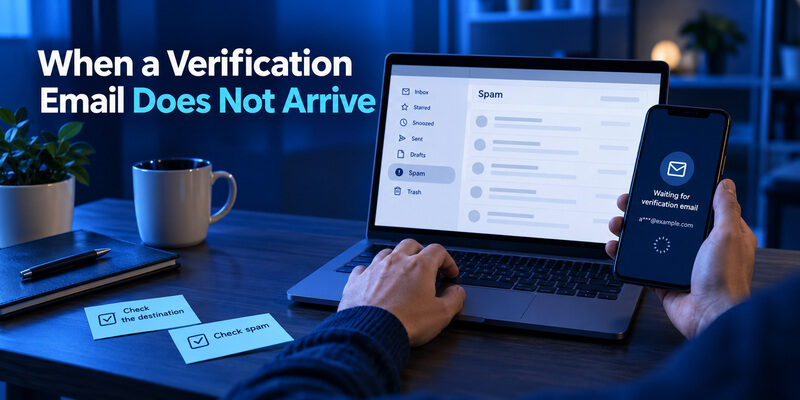
Confirm which service sent the request and which masked address it displays. A code sent to an old address will not appear in your current inbox. Check spam, junk, filters, and relevant inbox categories, then allow for ordinary delivery delay before repeatedly requesting new messages.
For email 2fa delays, keep the original sign-in flow open when practical. A newer request may supersede an older code depending on the service. Use the message associated with your current request and follow the stated expiration, rather than trying a long sequence of stale values.
Know when to switch to recovery
If the destination is unavailable, choose an alternative already offered by the service or use its official recovery route. A code generator cannot calculate a message-based code that the service has not enrolled it to produce. Installing another app does not fix an inaccessible recovery address.
| Symptom | Check first | Avoid |
|---|---|---|
| No message appears | Destination, spam, filters, service status | Rapid repeated requests |
| Message arrives late | Current request and expiration | Reusing old values blindly |
| Wrong address is shown | Account and recovery information | Guessing another person’s code |
| Code is rejected | Correct service and current challenge | Sending the code to a stranger |
If unexpected verification messages arrive without your request, do not approve anything just to stop them. Review the affected account through a trusted route. Email 2fa troubleshooting should preserve control of the account while identifying whether the problem is delivery, expired proof, or unauthorized activity.
Keep a short record of the request time and the destination shown on the screen. If support is needed, those details help explain the delivery problem without exposing a live code. Stop retrying when the service imposes a limit and follow its instructions. Repeated requests can add confusion by creating several messages associated with different attempts.
🗺️ Browse How-To Guides: Passwordless Email Authentication With Magic Links and Codes
Make Recovery Independent of the Main Device
Avoid a circular backup plan
A backup stored only in the mailbox you cannot open is not independent. Likewise, recovery instructions saved only on the lost phone may be unavailable at the moment they are needed. Identify what you could access if the everyday device disappeared tomorrow.
Email 2fa recovery should include provider-issued backup material where offered and other permitted methods that you can actually use. Store sensitive recovery values privately, separate from ordinary shared notes. Keep a record of the process without distributing the credentials themselves.
Test a replacement before retiring the original
When changing phones, use the authenticator’s supported transfer or restoration procedure. Some account types may require fresh registration after a restore. Keep the original device available until the replacement completes a real verification for every important account.
A restored account label is not sufficient evidence. The service must accept the intended method from the replacement. Review the account-side method list before removing retired devices or registrations, particularly for work accounts with administrator rules.
Email 2fa also relies on recovery contact information remaining current. Revisit it after changing phone numbers, jobs, or primary addresses. A setup that was sensible several years ago can become fragile when a backup mailbox is abandoned or a company-owned device is returned without updating the account’s security methods.
For a household, separate each person’s account and recovery responsibilities. A shared device should not become the only place where everyone’s backup material is stored. Someone helping with setup can explain the process while the account owner keeps control of the credentials. That makes email 2fa more maintainable when the helper is unavailable or the shared device is replaced.
📘 Find the Right Guide: Email Authentication SPF Checks and Domain Setup Explained
Where an Authenticator App Fits
Use it for accounts that support its method
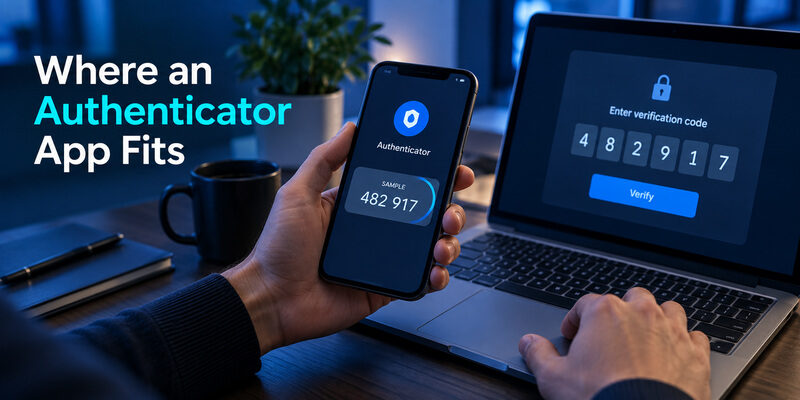
A standard authenticator is suitable when the provider offers compatible time-based code enrollment. It is not a universal replacement for every notification app, emailed code, or workplace requirement. Check the method the service permits before installing or moving entries.
For email 2fa with standard code support, can be considered as a code-management option. Review its current device availability, protection features, and recovery process. The useful question is whether the product supports the accounts and devices you actually need to maintain.
Evaluate the complete workflow
Google Authenticator and Microsoft Authenticator are also relevant examples, with different account and feature contexts. Google documents optional synchronization and manual transfer for its generator. Microsoft supports personal, work or school, and other-account workflows, which should not be confused with one another.
Avoid selecting solely by the appearance of the code list. Check how entries are protected, how you regain them on a new device, and whether any account-specific notification function is required. Those details affect daily use more than a generic claim about being secure.
A dependable email 2fa workflow ends with a successful provider verification and a recovery plan. The app is one component of that outcome. It does not configure the mailbox provider’s settings on its own, and it cannot recover an unknown enrollment secret just from the email address.
Before adopting a new app, make a small account inventory without including passwords or setup secrets. Note the provider, the method it requires, and the recovery process you have prepared. This can reveal that one workplace identity needs a dedicated notification app while several personal accounts support standard codes. It also gives a practical checklist for the next phone change.
💡 Discover Helpful Guides: Email Authentication in Zoho CRM With DKIM SPF and DMARC
Frequently Asked Questions
These questions clarify the difference between mailbox protection and messages used to verify another service. Review the actual account settings before treating an email 2fa label as a complete description of the security arrangement.
Is an emailed login link two-factor authentication?
Not automatically. If the link is the only proof required, the service may be using passwordless email sign-in. Two-factor authentication depends on the factors in the full workflow, not on whether the user opens a second screen or application.
Can authenticator codes work without mobile reception?
An enrolled time-based authenticator can generally calculate codes without receiving a mobile message. The device needs the correct enrollment and accurate time. The browser or app submitting the sign-in still needs connectivity to reach the service and verify the value.
Does mailbox 2FA protect every existing session?
It does not automatically remove every already authorized session or connected client. Review account activity and authorized access when compromise is suspected. Protect shared devices and browser sessions alongside the account’s configured verification methods.
Should I send a support agent my verification code?
No. Enter a requested code only into the legitimate verification flow you initiated. Ordinary support conversations should not contain passwords, live codes, recovery credentials, or enrollment secrets. An unexpected request to relay or approve a code deserves scrutiny.
Does a mail client control the provider’s second factor?
The provider or organization controls which sign-in proofs it accepts. A client must support the appropriate connection and authorization flow. Changing the client does not automatically change the account’s security policy or restore a lost authenticator registration.
📖 Read More Guides: Email Account Without Verification Options and Privacy Tradeoffs
Final Thoughts
The guide covers the separate question of sender-domain checks when your task concerns outgoing messages rather than mailbox access.
Email 2fa works best when you know which account is being protected and where its additional proof comes from. Securing a mailbox with an enrolled method is different from receiving a code in that mailbox for another service. Both can be useful, but their dependencies and limitations should remain clear.
Start with the provider’s account-security settings and choose a method that is supported for your actual account type. Complete enrollment, verify the result, and prepare recovery before changing devices. For a work account, follow the organization’s requirements rather than assuming a personal-account method will satisfy them.
Treat emailed verification as a reason to protect the receiving inbox carefully. Check unexpected requests, keep recovery details current, and use supported phishing-resistant options when appropriate. A second screen or a six-digit number does not by itself establish the strength of the authentication.
If access fails, identify the specific problem: missing delivery, expired code, wrong account, lost device, or unsupported client connection. Preserve the working access you still have and follow the recovery route owned by the service.
A maintained email 2fa setup gives you more than an enabled switch. It gives you a method you can use, an alternative you understand, and a clear way to respond when the normal sign-in routine is interrupted.
Download Authenticator App
Secure your accounts with fast, reliable two-factor authentication. Download now and protect your login in seconds.
