
Steam Mobile Authenticator Download: Official Android & iPhone Guide
Published August 11, 2026
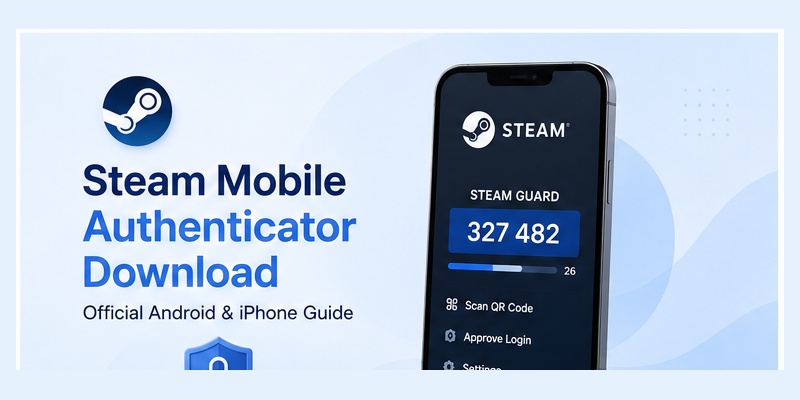
If you want to protect your Steam account with two-factor authentication, the first thing you may search for is steam mobile authenticator download. The important detail is that Steam does not require a separate application called “Steam Authenticator.” Steam Guard Mobile Authenticator is built directly into Valve’s official Steam Mobile App.
Steam describes Steam Mobile as its mobile application for buying games, accessing the Steam community, managing notifications, confirming trades, and protecting your account with Steam Guard. The app supports QR-code login, one-touch sign-in confirmation, and mobile authentication.
That means the safest steam mobile authenticator download process is simply to install the official Steam Mobile App on a compatible Android phone or iPhone and then activate Steam Guard from inside the app.
This guide explains where to download it, how to verify that you have the correct application, what device requirements apply, how to activate Steam Guard after installation, and what to do if the app will not install or the authenticator does not appear.
1. What Is Steam Mobile Authenticator Download?
Steam Guard is built into Steam Mobile
A steam mobile authenticator download is really a download of the official Steam Mobile App. The Steam Guard Mobile Authenticator is one of the security features contained inside that application.
Valve’s support documentation specifically identifies Steam Guard Mobile Authenticator as a feature of the Steam Mobile App. Steam also provides its mobile authentication functions through the Android and iOS versions of Steam Mobile.
After installing the app, you can use Steam Guard to provide an additional authentication step when someone attempts to access your Steam account.
The mobile app can support several authentication experiences, including:
- Scanning a Steam QR code to sign in.
- Approving or denying a login request from the phone.
- Displaying a temporary Steam Guard authentication code.
- Confirming Steam trades and Community Market transactions.
- Viewing devices that have accessed your account.
Therefore, if you search download steam authenticator, look for the official Steam Mobile application rather than an unrelated third-party authenticator claiming to be specifically designed for Steam.
Is Steam Mobile Authenticator free?
Yes. Steam’s documentation describes Steam Mobile as a free application used to enable smartphone-based Steam Guard.
There is no separate purchase required to complete a steam mobile authenticator download or enable Steam Guard Mobile Authenticator.
Download Authenticator App
Secure your accounts with fast, reliable two-factor authentication. Download now and protect your login in seconds.
2. Where to Download Steam Mobile Authenticator Safely
Use official Steam distribution channels
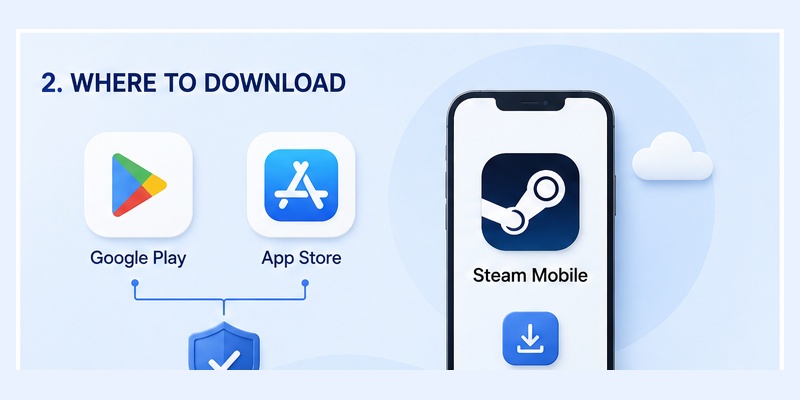
The safest place to begin a steam mobile authenticator download is Steam’s official mobile page. Valve provides access to its Android and iOS versions from there.
For most users:
- Android users should install Steam Mobile through Google Play.
- iPhone users should install Steam Mobile through Apple’s App Store.
- Android users without Google Play can use the Android package linked directly from Steam’s official mobile page.
Using official sources matters because the application becomes part of your Steam account security.
A fake or modified Authenticator App could potentially expose sensitive login information. Avoid websites that offer unofficial “premium,” “mod,” “unlocked,” or altered versions of Steam Mobile.
Check the application before installing
Before completing the steam mobile authenticator download, make sure you are installing Steam Mobile rather than Steam Link or Steam Chat.
Steam currently lists three separate mobile applications: Steam Mobile, Steam Link, and Steam Chat. Steam Guard is part of Steam Mobile.
Steam Link is primarily intended for streaming games from a computer, while Steam Chat focuses on conversations with friends and groups.
For Steam Guard, choose Steam Mobile.
📖 Read More Guides:
Steam Authenticator App: Complete Steam Guard Setup, Codes & Recovery Guide
3. Steam Mobile Authenticator Download for Android
Install through Google Play
For most Android users, the easiest steam mobile authenticator download process is through Google Play.
Open Google Play, search for Steam, verify that you have located Valve’s official Steam Mobile application, and install it.
After installation:
- Open Steam Mobile.
- Sign into your Steam account.
- Go to Steam Guard.
- Select Add authenticator.
- Follow the account-verification instructions.
- Save the recovery code displayed during setup.
Steam’s official authenticator walkthrough currently uses this same basic process: sign into Steam Mobile, open Steam Guard, and select Add authenticator.
Installing Steam Mobile does not automatically activate authentication. The steam mobile authenticator download only places the application on the device; you must still register Steam Guard with your account.
Android without Google Play
Steam also accommodates Android users who cannot access Google Play.
Its official mobile page currently provides a direct Android download and states that Android users without Google Play can download the Android version from Steam itself.
If you need an Android installation package, use the link provided by Steam rather than searching random APK websites.
This is an important distinction because searching download steam authenticator can produce unofficial mirrors that Steam does not control.
For account-security software, an official source is preferable.
4. Steam Mobile Authenticator Download for iPhone
Install Steam Mobile from the App Store
The steam mobile authenticator download process on iPhone is equally straightforward.
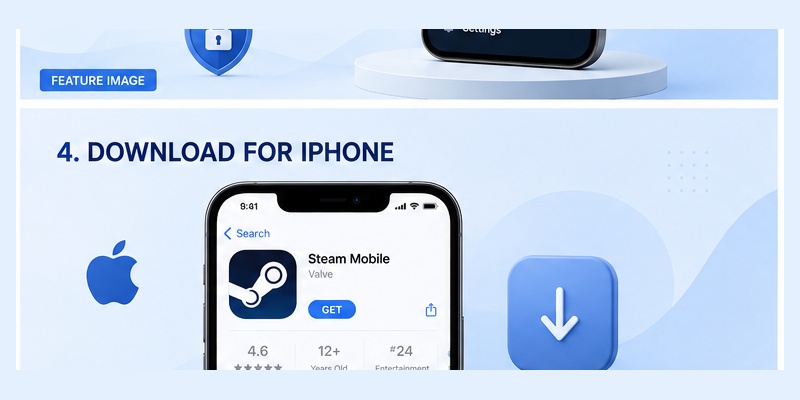
Open Apple’s App Store, search for Steam Mobile, confirm that you have the official Steam application, and install it.
After installation, launch Steam Mobile and log into the account you want to protect.
Open the Steam Guard section and select Add authenticator to begin activation. Steam’s official setup guide states that the Android and iOS applications follow the same general authenticator setup process.
During setup, Steam may ask you to verify a phone number. Valve explains that adding a phone number can help with account recovery if you later lose access to the Steam account or authenticator.
Save your recovery information
Do not consider the steam mobile authenticator download complete until you understand your recovery options.
During authenticator configuration, Steam provides recovery information that can help if the phone becomes unavailable.
Store recovery information somewhere safe rather than keeping your only copy on the phone itself.
This becomes particularly useful when replacing, losing, or resetting the device.
5. System Requirements Before Installing Steam Mobile
Current Android and iOS requirements
Before starting a steam mobile authenticator download, make sure your phone runs a supported operating system.
Steam’s official mobile page currently lists the minimum requirements as:
- iOS 15.1 or newer.
- Android 7.0 or newer.
These requirements can change as Steam Mobile receives updates, so users with older phones should check Steam’s mobile page before troubleshooting an installation failure.
If your operating system is below the supported minimum, updating the phone’s OS may be necessary before installing the newest version.
Keep Steam Mobile updated
After a successful steam mobile authenticator download, continue updating the app through the official app store.
Updates may include bug fixes, compatibility improvements, security changes, and improvements to Steam’s mobile login experience.
Valve’s updated mobile app includes features such as QR-code sign-in, login confirmation, Authorized Devices, Market and trade confirmations, and multi-account support.
Using a current version makes it easier to follow Steam’s latest authentication workflows.
6. How to Set Up Steam Guard After Downloading the App
Open the Steam Guard tab
A steam mobile authenticator download is only the first step. You still need to connect the mobile authenticator to your Steam account.
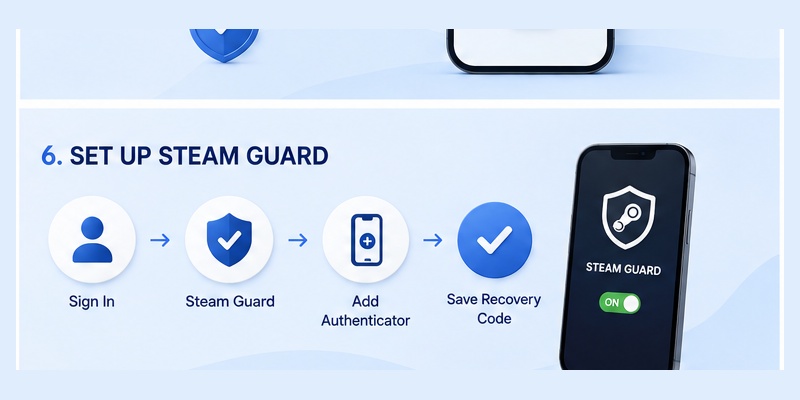
Open Steam Mobile and sign in.
Steam’s setup instructions direct users to the Steam Guard tab, where they can select Add authenticator.
If Steam asks for a phone number, select the correct international country prefix and provide a number you can access.
Steam may send a verification message to confirm the number.
Once verification is complete, finish the authenticator enrollment and save the recovery code.
Why enable Steam Guard?
Steam describes smartphone-based Steam Guard as its strongest Steam Guard option because authentication uses a physical device controlled by the account holder.
After the steam mobile authenticator download and setup are complete, Steam Mobile can generate authentication codes automatically.
Valve states that Steam Guard Mobile Authenticator produces a new code every 30 seconds. Older generated codes should not be reused.
You may also use newer Steam login methods that reduce the need to manually enter these codes.
7. How to Use Steam Authenticator After Installation
Sign in by scanning a QR code
One of the most convenient features available after a steam mobile authenticator download is QR-code login.
When Steam displays a QR code on a supported login screen, open Steam Mobile and scan the code through Steam Guard.
The app then lets you review and authorize the login.
Steam’s official mobile page lists QR scanning as one of the primary Steam Guard features.
This lets you authenticate using the phone instead of manually entering all account credentials into the PC login screen.
Approve a standard login
If you prefer typing your account credentials normally, Steam Mobile can also provide a sign-in confirmation.
Valve’s redesigned mobile login system supports simple approve-or-deny authentication requests.
If you need a manual Steam Guard code, the mobile authenticator remains available as well.
The steam mobile authenticator download therefore gives users several ways to verify access rather than forcing everyone to use one login method.
8. Can You Download Steam Authenticator on PC?
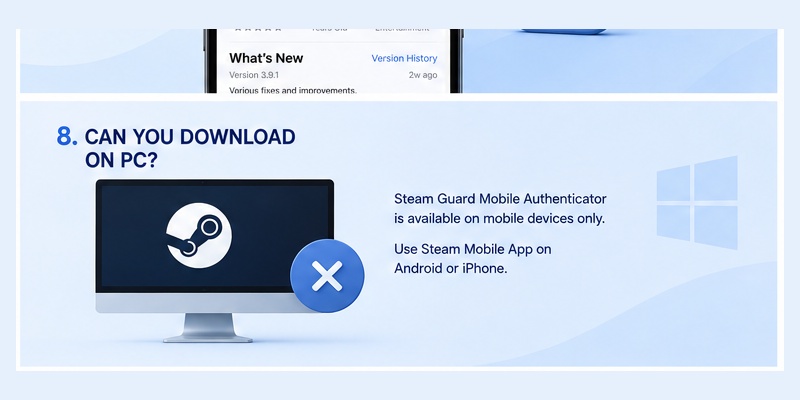
The mobile authenticator is intended for phones
Some users searching steam mobile authenticator download actually want a Windows or Mac version.
Steam Guard Mobile Authenticator is designed around the Steam Mobile App for smartphones. Steam’s setup documentation directs users to Android and iOS devices for the mobile authenticator.
You can, of course, use Steam on Windows, macOS, or Linux. The phone then serves as the additional authentication device for the account.
For example, you can open Steam on your computer, display its QR login screen, and scan the QR code with Steam Mobile.
Do not confuse Steam Mobile with Steam Link. Steam’s mobile page does provide desktop versions of Steam Link for certain platforms, but Steam Link and Steam Guard Mobile Authenticator are different products and functions.
For the normal steam mobile authenticator download, use a compatible Android or iOS phone.
9. Steam Mobile Authenticator Download Not Working: How to Fix It
App does not appear in the store
If steam mobile authenticator download does not work, first confirm that your phone meets Steam’s current minimum OS requirements.
Steam currently requires at least Android 7.0 or iOS 15.1 for Steam Mobile.
Also check:
- Whether the phone has sufficient storage.
- Whether the operating system needs updating.
- Whether the app store is functioning normally.
- Whether you are searching for Steam Mobile rather than a separate authenticator app.
Android users without Google Play can check Steam’s official mobile page for its direct Android option.
Steam Guard does not appear after installation
If the steam mobile authenticator download succeeds but Steam Guard is not configured, remember that installation and activation are separate actions.
Log into Steam Mobile, open Steam Guard, and look for Add authenticator.
If you are transferring an existing authenticator from another device, do not simply configure a completely new one without considering the transfer process.
Steam provides a dedicated Move Authenticator workflow for moving authentication to another phone.
Code is rejected after setup
If Steam Mobile is generating a code but Steam rejects it, wait for the newest code.
Valve states that mobile Steam Guard codes change every 30 seconds and that users should enter the most recent code.
Make sure your phone’s date and time are also correct.
Do not repeatedly uninstall the steam mobile authenticator download as your first troubleshooting method, especially when the authenticator is already connected to the account.
10. How to Keep Your Steam Authenticator Secure
Download only from trusted sources
Because the steam mobile authenticator download becomes part of your account-security system, source selection matters.
For iPhone, use Apple’s App Store.
For most Android users, use Google Play. If Google Play is unavailable, use the Android download provided directly through Steam’s official mobile page.
Avoid unofficial modified apps and unnecessary APK mirrors.
Never approve unexpected logins
Once the steam mobile authenticator download is activated, pay attention to the requests it displays.
If Steam asks you to approve a login that you did not initiate, reject the request.
Steam’s QR and mobile approval experience is specifically designed so users can review the sign-in attempt before allowing it.
Do not share temporary Steam Guard codes with another person.
Prepare before changing phones
If you plan to buy a replacement phone, keep access to the old device until the authenticator has been transferred when possible.
Steam provides a Move Authenticator option specifically for this situation. The official transfer workflow begins by installing Steam Mobile on the new device, signing in, and selecting Move Authenticator from Steam Guard.
This is preferable to treating every new phone as a completely new steam mobile authenticator download setup without considering the existing authenticator.
11. Final Thoughts
The safest way to complete a steam mobile authenticator download is to remember one simple point: Steam Guard Mobile Authenticator is part of Valve’s official Steam Mobile App.
You do not need a separate third-party Steam authenticator.
Android users can normally install Steam Mobile through Google Play, while iPhone users can use Apple’s App Store. Steam also provides an official Android download option for users who cannot access Google Play.
Before starting the steam mobile authenticator download, check that your device meets Steam’s current minimum requirement of Android 7.0 or iOS 15.1.
After installation, sign into Steam Mobile, open Steam Guard, select Add authenticator, complete verification, and save your recovery information.
Once configured, the steam mobile authenticator download gives you access to more than rotating authentication codes. Steam Mobile can scan QR codes for PC sign-in, approve login requests, manage multiple accounts, confirm trades and Community Market activity, and help you review account access.
If your purpose is simply to download steam authenticator, avoid searching for unofficial standalone tools. Start from Steam Mobile and enable Steam Guard from inside the official application.
For users who regularly access Steam, maintain valuable inventories, trade items, or simply want stronger account protection, completing the steam mobile authenticator download and setting up Steam Guard is a practical way to add device-based authentication to the account.
Keep the app updated, protect your recovery information, approve only login attempts you recognize, and use Steam’s official transfer workflow when moving to another phone. With those habits in place, the steam mobile authenticator download process is straightforward and provides a much more convenient way to manage Steam Guard from your smartphone.
Download Authenticator App
Secure your accounts with fast, reliable two-factor authentication. Download now and protect your login in seconds.
