
Best OTP App Guide 2026: Top Authenticator Apps Reviewed & Compared
Digital accounts are under constant attack, and a simple password is no longer enough to keep hackers out. That’s exactly why millions of people now rely on an otp app to add an extra layer of protection to their email, banking, and social media accounts. Whether you’re a complete beginner or someone switching from SMS codes to something more secure, this guide walks you through everything you need to know about choosing, installing, and using the right otp app for your needs.
What Is an OTP App and Why Everyone Needs One in 2026
An otp app — short for “one-time password application” — generates a temporary numeric code that changes every 30 seconds. Instead of relying on text messages that can be intercepted through SIM-swapping attacks, an otp app creates codes locally on your device, making it far harder for criminals to steal your login credentials.
Every major online service — Google, Facebook, Amazon, banking portals, and cryptocurrency exchanges — now recommends using an otp app as part of two-factor authentication (2FA). The reason is simple: even if a hacker steals your password, they still can’t log in without the six-digit code generated by your authenticator app. This single layer of protection has stopped countless account takeovers, phishing attempts, and credential-stuffing attacks.
Beyond security, a good otp app also brings convenience. Modern apps store dozens of accounts in one place, sync across devices, and let you access your codes even without an internet connection. That’s a huge upgrade compared to waiting for a text message that might be delayed or never arrive.
Download Authenticator App
Secure your accounts with fast, reliable two-factor authentication. Download now and protect your login in seconds.
How Does an OTP App Actually Work?

At the core of every otp app is a mathematical algorithm called TOTP (Time-based One-Time Password). When you first connect an account to your otp app, the service shares a secret key with your device, usually through a QR code. From that point on, your app and the service both know the same secret, and they use the current time to generate matching six-digit codes simultaneously.
This is why an authenticator app one time password code works even in airplane mode — no data connection is needed because the calculation happens entirely on your phone using the shared secret and the current timestamp. As long as your phone’s clock is accurate, the code your otp app shows will always match what the server expects.
Some advanced apps also support push notifications, letting you approve a login with a single tap instead of typing in numbers manually. This is becoming a popular alternative feature offered by several otp app authenticator tools on the market today.
 Browse How-To Guides:App Authenticator: Complete Guide to 2FA, OTP Codes, Setup & Recovery
Key Features to Look For Before Choosing an OTP App
Not all authenticator tools are created equal. Here are the features that actually matter when picking your next otp app:
- Cloud backup and sync: Losing your phone shouldn’t mean losing access to every account tied to your otp app.
- Multi-device support: A reliable authenticator app should let you view codes on a phone, tablet, or desktop.
- Biometric lock: Fingerprint or Face ID protection adds another layer of defense to your otp app.
- Import/export tools: Switching from one otp app to another should be painless, not a nightmare of manually re-scanning dozens of QR codes.
- Offline functionality: A dependable otp app must generate codes without needing an internet connection.
- Open-source transparency: Security-conscious users often prefer an otp app whose code can be publicly audited.
- No unnecessary permissions: A trustworthy authenticator app should never request access to your contacts or camera roll beyond what’s required to scan a QR code.
Keeping these criteria in mind will help you avoid apps that look convenient but quietly compromise your privacy or security.
Best OTP Authenticator App Picks in 2026 (Full Reviews)
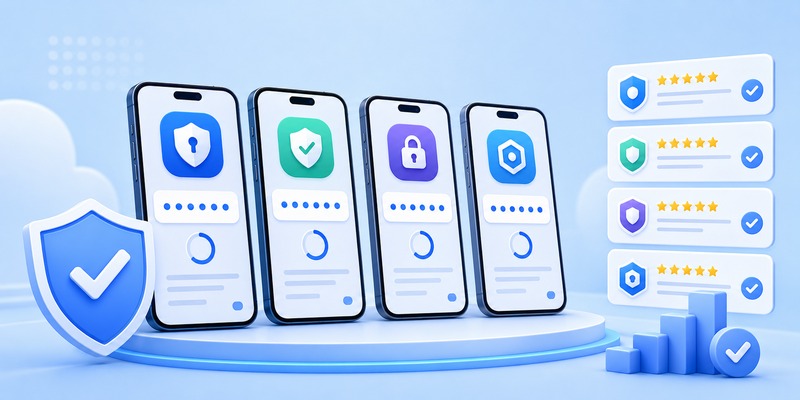
We tested the most popular apps on the market to help you find the right otp authenticator app for your situation.
1. Google Authenticator
Google’s own google otp app remains one of the most widely used tools worldwide, mostly because of its simplicity. It’s lightweight, works offline, and recently added cloud backup, solving one of its biggest historical drawbacks. However, it still lacks some advanced organizational features found in competitors, making it best suited for users who want a no-frills otp app without extra bells and whistles.
2. Microsoft Authenticator
This authenticator app combines OTP generation with push-notification approvals, which is especially handy for corporate and Microsoft 365 accounts. It supports secure cloud backup tied to your Microsoft account and offers a polished, intuitive interface. If you’re already in the Microsoft ecosystem, this is a natural choice for your primary otp app.
3. Authy
Authy is often praised as one of the most flexible otp app options because it supports multi-device sync, encrypted cloud backups, and a desktop application. It’s a strong pick for people managing many accounts across several devices, though some critics note its backup system is closed-source, which raises minor privacy concerns for security purists.
4. 2FAS
2FAS has quickly become a favorite free otp authenticator app thanks to its open-source codebase, clean design, and browser extension pairing feature. It offers encrypted backups without requiring an account, appealing to privacy-focused users who still want convenience.
5. Aegis Authenticator
For Android users who prioritize privacy above all else, Aegis is a standout otp app authenticator choice. It’s completely open-source, supports encrypted local backups, and never requires an internet connection or account creation. The trade-off is that it’s Android-only, so iPhone users will need to look elsewhere.
6. Duo Mobile
Built primarily for enterprise environments, Duo Mobile is a robust authenticator app offering push-based approvals alongside traditional OTP codes. It’s frequently used by universities, hospitals, and corporations that need centralized management of employee authentication.
 Discover Helpful Guides: Facebook Authentication App: Setup, Login Codes, and Recovery Guide
Best Free OTP Authenticator App Options for Everyday Users
Cost matters, and thankfully most of the best tools in this category are completely free. If you’re searching specifically for a free otp authenticator app, these are your top choices:
- Google Authenticator – free, no ads, no premium tier
- 2FAS – free and open-source with optional donations
- Aegis Authenticator – free, ad-free, and open-source (Android)
- Microsoft Authenticator – free with optional premium business features
- Authy – free for personal use with device-sync included
Choosing a free otp authenticator app doesn’t mean sacrificing quality. In fact, several of the apps listed above outperform paid alternatives in terms of security transparency and user experience, proving that cost isn’t always tied to reliability when it comes to protecting your accounts.
Google OTP App vs Other Authenticator Apps: Which Wins?
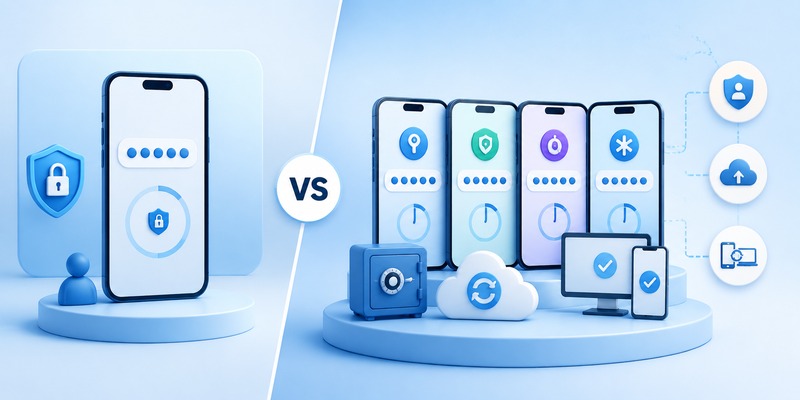
Many users default to the google otp app simply because it’s the first one they encounter when enabling 2FA on a Google account. It’s reliable, minimal, and now supports cloud sync — a major improvement over earlier versions that risked permanent lockouts if a phone was lost.
That said, competitors like Authy and 2FAS offer richer features: better organization with folders, biometric locking, and cross-platform desktop apps. If you only need basic protection for a handful of accounts, the google otp app is perfectly adequate. But if you manage dozens of logins across work and personal life, a more feature-rich otp app may serve you better long-term.
Step-by-Step Guide: How to Set Up an OTP App on Your Phone
Setting up your chosen otp app takes just a few minutes. Follow these steps:
- Download your preferred app from the official app store — never sideload from unofficial sources.
- Open the account’s security settings on the website or service you want to protect (e.g., Google, Facebook, or your bank).
- Enable two-factor authentication and select “Authenticator App” as your method.
- Scan the QR code shown on screen using your otp app‘s built-in scanner.
- Enter the generated code to confirm the connection was successful.
- Save your backup codes somewhere safe in case you lose access to your device.
- Repeat this process for every account you want protected, building a full library inside your otp app.
Once set up, your authenticator app will generate a fresh code every 30 seconds, ready whenever you need to log in.
Discover Helpful Guides: What Is Authenticator App? How It Works, How to Use It, and Why It Matters
OTP App Security Best Practices You Shouldn’t Skip
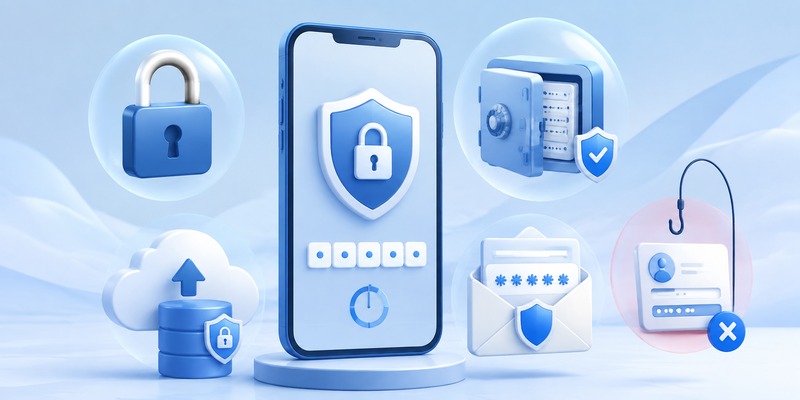
Simply installing an otp app isn’t enough — how you use it matters just as much:
- Always enable a PIN, fingerprint, or Face ID lock on your otp app itself.
- Store backup codes offline, never in an unencrypted note or email.
- Avoid screenshotting QR codes, since screenshots can be accessed by other apps.
- Keep your device’s operating system updated to patch security vulnerabilities.
- If switching phones, always transfer your otp app data through official export tools rather than photographing QR codes.
- Never share your one-time code with anyone, even someone claiming to be from customer support.
Following these habits ensures your otp app continues doing its job of keeping intruders out, rather than becoming a weak link itself.
Discover Helpful Guides: Authenticator App Code: How to Get Verification Codes and Fix Common Problems
Frequently Asked Questions About OTP Apps
Is an OTP app safer than SMS codes?
Yes. An otp app generates codes locally on your device, making it immune to SIM-swap attacks that can intercept text messages.
Can I use one OTP app for multiple accounts?
Absolutely. Most authenticator app tools let you store unlimited accounts in a single place, organized by name or category.
What happens if I lose my phone?
As long as you saved your backup codes or enabled cloud sync in your otp app, you can restore access on a new device without losing your accounts.
Do I need internet access to use an OTP app?
No. An authenticator app one time password code is generated offline using time-based calculations, so airplane mode won’t stop it from working.
Which is the best free option available?
Among all free choices, 2FAS and Aegis stand out as excellent free otp authenticator app picks thanks to their open-source transparency and zero-cost model.
Browse How-To Guides: Authenticator App New Phone: How to Transfer It the Right Way
Which OTP App Should You Download Today?

Choosing the right otp app ultimately depends on your priorities. If you want simplicity, the google otp app remains a solid default. If you manage many accounts and want cross-device syncing, Authy or Microsoft Authenticator are excellent picks. Privacy-focused users should lean toward 2FAS or Aegis, both outstanding examples of a free otp authenticator app done right.
No matter which otp app authenticator you choose, the most important step is simply turning on two-factor authentication wherever it’s offered. A few extra seconds at login is a small price to pay for dramatically stronger account security in 2026 and beyond.
Download Authenticator App
Secure your accounts with fast, reliable two-factor authentication. Download now and protect your login in seconds.
