
Is Authenticator App Safe? A Complete Security Breakdown for 2026
Quick answer: Yes — an authenticator app is safe, and in almost every case it is significantly safer than SMS-based codes or no two-factor authentication at all. Apps like Google Authenticator and Microsoft Authenticator generate codes locally on your device using a cryptographic standard, which means the codes can’t be intercepted over a cellular network the way SMS messages can. That said, “safe” doesn’t mean “risk-free” — like any security tool, it depends partly on how you set it up and protect your phone. The rest of this guide breaks down exactly how these apps work, where the real risks are, and how to choose and use one with confidence.
How Authenticator Apps Actually Work
To understand is authenticator app safe as a question, it helps to know what’s actually happening behind the scenes. An authenticator app doesn’t send or receive anything over the internet to generate your login code — it does the math right there on your phone.
Time-Based One-Time Passwords (TOTP)
Most authenticator apps rely on a standard called TOTP (Time-Based One-Time Password). When you first set up two-factor authentication on a website, the site shares a secret key with your app, usually via a QR code. From that point on, both the website’s server and your app independently generate a new 6-digit code every 30 seconds, using that shared secret combined with the current time.
Because both sides calculate the code separately using math rather than transmitting it, there’s no code traveling over the internet or cell network for an attacker to intercept. This is one of the core reasons are authenticator apps secure is generally answered “yes” by security professionals — the design itself removes an entire category of interception attacks.
Local Storage vs. Cloud Sync
Where an authenticator app stores its secret keys matters for security. Apps that keep everything local to the device (no cloud backup) are the most resistant to remote attacks, since there’s no online account to compromise. Apps that offer cloud backup and sync (increasingly common for convenience) add a small amount of risk if that cloud account itself isn’t well protected, but they also solve the very real problem of losing access when you lose or replace your phone. Most reputable providers encrypt this backup data, which keeps the trade-off reasonable for most users.
Download Authenticator App
Secure your accounts with fast, reliable two-factor authentication. Download now and protect your login in seconds.
Are Authenticator Apps Secure Compared to Other Login Methods?
Authenticator Apps vs. SMS Codes
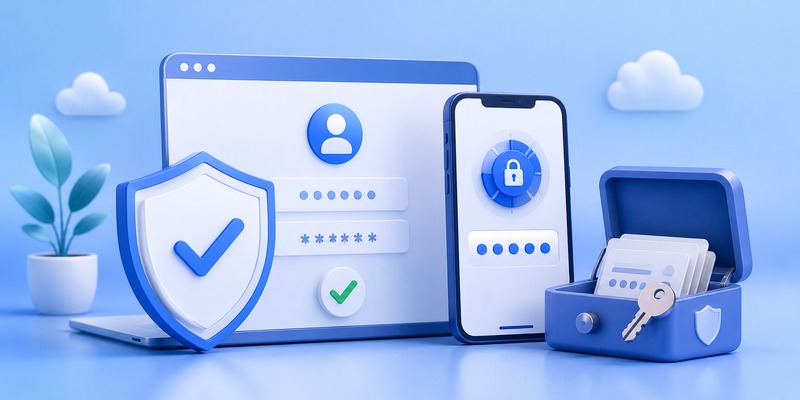
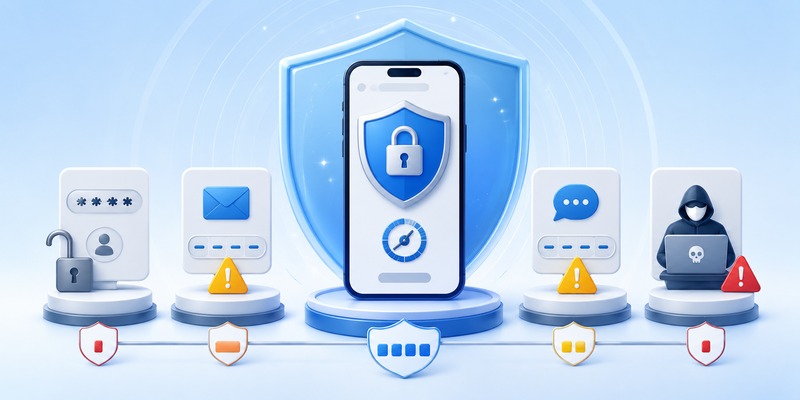
One of the most searched comparisons is is authenticator app safer than sms, and the answer is a clear yes for a specific reason: SIM swapping. Attackers can trick or bribe a mobile carrier into transferring your phone number to a SIM card they control, which lets them receive your SMS codes directly. This attack doesn’t require touching your phone at all.
An authenticator app isn’t vulnerable to SIM swapping, because the code generation happens independently of your phone number or carrier. This single difference is why security experts, and increasingly banks and tech companies, recommend app-based codes over text message codes whenever it’s an option. SMS 2FA is still much better than no 2FA, but it sits a clear step below an authenticator app in terms of protection.
Can Authenticator Apps Be Hacked?
Common Attack Vectors
Can authenticator apps be hacked? In theory, yes — but the paths to doing so are narrower and harder to pull off than most people assume. The realistic risk scenarios include:
- Physical device compromise: If someone has unlocked access to your phone, they may also have access to your authenticator codes.
- Malware on the device: Sophisticated malware designed specifically to read authenticator app data can, in rare cases, extract secret keys.
- Phishing during setup: If an attacker tricks you into scanning a QR code they control, they can generate the same codes you do.
- Cloud backup compromise: If you use cloud sync and your cloud account credentials are stolen, an attacker could potentially restore your authenticator data elsewhere.
How Realistic Is the Risk?
For the average person, these attacks require a level of targeting that’s uncommon outside of high-value targets like executives, journalists, or people specifically targeted by scammers. For everyday users, an authenticator app remains one of the strongest widely available protections against account takeover, and the risk of it being compromised is far lower than the risk of relying on a password alone or SMS codes.
🗺️ Browse How-To Guides: TOTP Authenticator App Guide 2026: How to Use & Compare the Best Options
Is Google Authenticator App Safe?
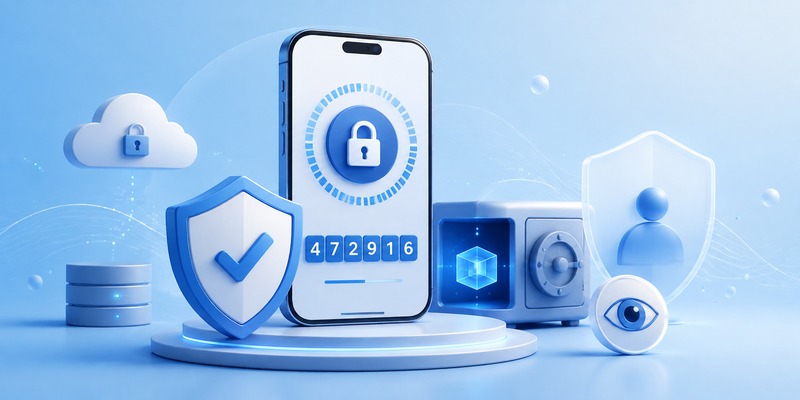
Is google authenticator app safe? Yes. Google Authenticator has been a long-standing, widely trusted option because it follows the open TOTP standard and, for most of its history, stored codes only locally on the device with no cloud account tied to it. Google has since added an optional Google Account backup feature, which adds convenience but means your security now also depends on how well you protect your Google Account itself — a reasonable trade-off as long as you use a strong password and enable protections on that account too.
Is Microsoft Authenticator App Safe?
Is microsoft authenticator safe and is the microsoft authenticator app safe are both frequently asked, and the short answer is also yes. Microsoft Authenticator supports standard TOTP codes as well as a “passwordless” push-notification approach for Microsoft accounts, where you approve a login with a tap instead of typing a code. Backups are tied to your Microsoft account and encrypted, and the app has a strong security track record. As with any cloud-linked option, the strength of your Microsoft account password and recovery settings is part of the overall security picture.
💡 Discover Helpful Guides: Authenticator App Code: How to Get Verification Codes and Fix Common Problems
Other Authenticator Options Worth Knowing
Is 1Password an Authenticator App?
Is 1password an authenticator app? Not primarily — 1Password is a password manager first, but it includes a built-in TOTP code generator as a feature. This means it can function as an authenticator, storing both your password and your one-time code in the same encrypted vault. Some security professionals prefer keeping passwords and 2FA codes in separate apps, so that a single compromised vault can’t expose both at once. Others find the convenience worth the trade-off. Both approaches are reasonable depending on your risk tolerance.
X (Twitter) Authenticator App
Some users search for an x authenticator app, assuming X (formerly Twitter) has its own dedicated authenticator. In reality, X supports two-factor authentication through third-party authenticator apps like Google Authenticator or Microsoft Authenticator rather than offering its own standalone app — you simply link one of these existing apps to your X account during 2FA setup.
Which Authenticator App Is the Best?
Which authenticator app is the best depends on your priorities, but a few stand out consistently:
- Google Authenticator: Simple, reliable, widely supported, now with optional backup.
- Microsoft Authenticator: Strong choice if you’re in the Microsoft ecosystem, with convenient push approvals.
- Authy: Popular for its multi-device sync and encrypted cloud backup.
- 1Password: Best if you want passwords and codes managed together in one vault.
For what is the most secure authenticator app, apps that offer strong encryption on backups, open-standard TOTP support, and a clean security track record — such as Google Authenticator, Microsoft Authenticator, and Authy — are generally considered the top tier. If you’re asking what is the safest authenticator app specifically for high-security needs, a hardware security key (like a YubiKey) actually outranks any app-based option, though it comes with less convenience and an upfront cost.
💡 Discover Helpful Guides: Facebook Authentication App: Setup, Login Codes, and Recovery Guide
Best Practices to Keep Your Authenticator App Safe
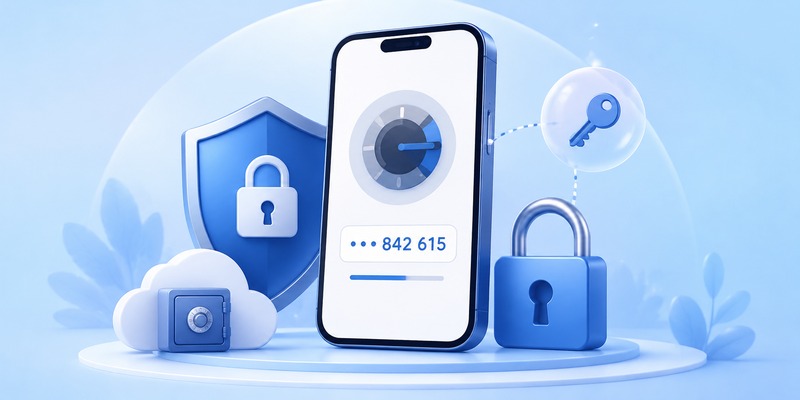
Even the most secure app depends on how you use it. A few habits make a meaningful difference:
- Lock your phone with a strong PIN, password, or biometric method, since physical access is one of the main real-world risks.
- Enable encrypted backup if your app offers it, so a lost phone doesn’t lock you out of every account.
- Never scan a QR code from an untrusted source, since this is how attackers can clone your codes during setup.
- Keep the app updated to receive the latest security patches.
- Use a reputable app from an established provider rather than an obscure, unverified one from an app store.
- Protect the account tied to your backup (Google, Microsoft, etc.) with a strong, unique password and its own 2FA.
Frequently Asked Questions
Is the authenticator app safe to use for banking apps? Yes. Many banks specifically recommend or require an authenticator app precisely because it’s more resistant to interception than SMS-based codes.
Can someone access my accounts if they steal my phone? Only if your phone itself isn’t locked. A properly secured lock screen is your primary defense, since the authenticator codes themselves aren’t visible or usable without unlocking the device.
Do I need more than one authenticator app? No — using one reliable app for all your accounts is simpler and just as secure, as long as you keep a backup method available in case you lose your device.
Is authenticator app safe if I don’t enable cloud backup? Yes, and in some ways it’s slightly more secure, since there’s no cloud account to target. The trade-off is that losing your phone without a backup can lock you out of accounts until you go through each service’s recovery process.
Conclusion
So, is authenticator app safe overall? The evidence strongly supports yes. Authenticator apps remove the interception risks that make SMS codes vulnerable, rely on well-tested cryptographic standards, and are trusted by major platforms including Google, Microsoft, and most banks. The small remaining risks — device theft, targeted malware, or phishing during setup — are manageable with basic habits like locking your phone and being cautious with QR codes. For the overwhelming majority of users, adopting an authenticator app is one of the single most effective steps you can take to protect your online accounts.
Download Authenticator App
Secure your accounts with fast, reliable two-factor authentication. Download now and protect your login in seconds.
