
Is Google Authenticator Free – Setup and Security Guide
If you are setting up two-factor authentication for the first time, one of the most common questions is is google authenticator free or whether you need to pay a monthly subscription before you can generate verification codes.
The short answer is yes. The official Google Authenticator application is currently available without an upfront purchase price. Apple’s official App Store listing labels Google Authenticator as “Free,” while its Google Play listing places it among free tools.
You can install the application, add supported accounts, generate one-time verification codes, manage multiple accounts, synchronize codes through a Google Account, and transfer accounts between devices using features provided by the official application. Google also states that Authenticator can generate codes even without an internet or cellular connection.
Therefore, if the question is simply is google authenticator free, you do not need to purchase the official application to start using its standard 2FA functionality.
Confusion often occurs because app stores contain many other applications with names such as Authenticator, 2FA Authenticator, Authentication App, or OTP Authenticator. Some third-party apps may offer subscriptions or paid upgrades, but those applications should not be confused with Google’s official Authenticator.
This guide explains exactly what “free” means, what functionality is included, whether codes cost money, and how to identify the correct application before installing it.
1. Is Google Authenticator Free?
Yes. For users asking is google authenticator free, Google’s official application is currently offered as a free download rather than a paid app.
Apple’s U.S. App Store listing explicitly shows Google Authenticator with the price label “Free” and identifies Google as the developer. Google Play also lists Google Authenticator from Google LLC and currently categorizes it among its top free tools.
What does “free” include?
Installing free google authenticator gives you access to the application’s primary purpose: generating verification codes for online services that support authenticator-based two-step verification.
Google’s official documentation states that Google Authenticator generates one-time verification codes for compatible websites and applications.
You can use those codes as an additional authentication step after entering your normal password.
The application also currently supports features such as:
- Multiple authenticator accounts
- QR-code account setup
- Time-based code generation
- Counter-based code generation
- Account transfer between devices
- Synchronization through a Google Account
These capabilities are described on Google’s current Play Store listing.
So when people search google authenticator free, they generally do not need a special free edition. The official Google Authenticator itself is already available without an app purchase.
Do you need Google One or another paid Google plan?
Google’s support documentation also explains that Authenticator can be used without signing into a Google Account.
That means the core answer to is google authenticator free is not dependent on subscribing to another Google service.
💡 Discover Helpful Guides: Google Authenticator: Complete 2FA Setup & Security Guide
Download Authenticator App
Secure your accounts with fast, reliable two-factor authentication. Download now and protect your login in seconds.
2. Is Google Authenticator Free to Download?
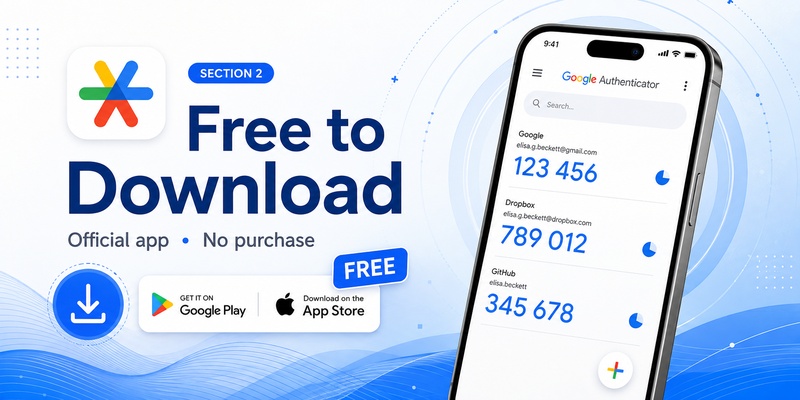
Another way people phrase the question is is google authenticator app free to install from an official app store.
At present, yes.
Downloading from the official stores
For iPhone and iPad users, Apple’s official listing identifies Google Authenticator as a free utility developed by Google.
Android users can find Google’s official application on Google Play under Google LLC. The current listing describes the application as a tool for generating a second verification step and categorizes it among free tools.
This makes the official application a free google authenticator app for supported mobile devices.
However, users should pay close attention to the publisher.
A search for “Authenticator” can display many applications, and some may have similar names, icons, or descriptions.
Before installing, verify that you are viewing Google’s official listing.
Why might you see a price elsewhere?
If you search for a google authenticator app free and encounter a subscription screen, there is a possibility that you installed a different authentication application rather than Google’s official app.
Third-party developers can create their own TOTP applications. Those developers decide whether their applications are free, paid, ad-supported, or subscription-based.
That pricing does not change the answer to is google authenticator free when referring specifically to Google’s official Authenticator.
Always check the developer information before assuming that an application requesting payment is Google Authenticator.
3. Is Google Authenticator Free to Use?
Downloading an app without paying is one thing, but many users specifically ask is google authenticator free to use after installation.
The standard Authenticator functionality does not require users to purchase individual codes every time they sign in.
Verification codes are generated by the app
Google explains that Authenticator can create one-time verification codes for sites and apps supporting authenticator-based 2-Step Verification.
Once an account is properly configured, the application generates codes locally.
You do not need to:
- Purchase a package of verification codes
- Pay each time a code refreshes
- Buy credits for individual logins
- Send a premium SMS to generate a TOTP code
Google also confirms that the application can generate codes without an active internet connection or cellular service.
This is important when answering is google authenticator free, because generating a normal Authenticator code is not presented as a metered service.
Can you use it without signing into Google?
Yes. Google’s support page provides an explicit “Use Google Authenticator without a Google Account” option.
If you choose this mode, your codes remain on the device instead of being synchronized through your Google Account.
This further reinforces the answer to google authenticator is it free: you do not need to buy a Google subscription merely to generate standard authentication codes.
The trade-off is that users who do not synchronize their codes should take extra care when moving devices or planning account recovery.
📖 Read More Guides: Google Authenticator for PC Free Download: Full Guide For Everyone
4. Is Google Authenticator Free on Android?
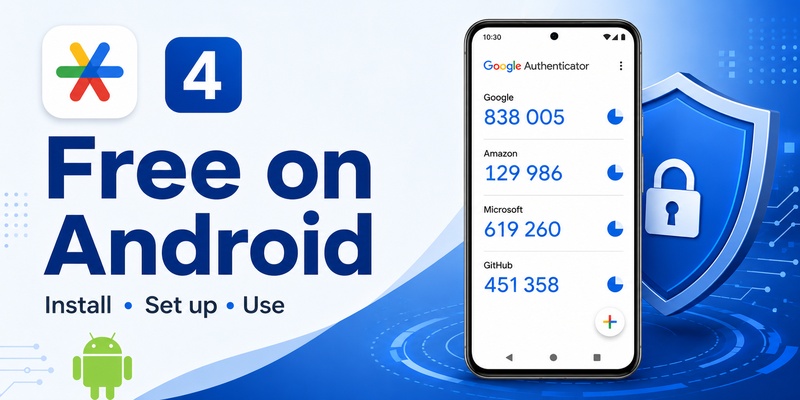
Android users frequently search for a free google authenticator app for android when a website asks them to enable two-factor authentication.
The official Google Authenticator app is currently available through Google Play from Google LLC. Its listing places it in the free tools category and describes its standard authentication functionality.
What Android users receive
After installation, you can add supported accounts using QR codes and generate temporary authentication codes.
Google’s Play Store listing currently describes support for multiple accounts, QR setup, account synchronization, time-based codes, counter-based codes, and account transfers between devices.
Therefore, is google authenticator free on Android has the same basic answer as on other supported mobile platforms: the official application does not require an initial purchase.
Android requirements
Google’s current support documentation says Android users need Android 6.0 or later to use the current Google Authenticator application.
This is a compatibility requirement, not a fee.
If an older phone cannot install the current application, paying money would not necessarily solve that compatibility issue.
Watch for similarly named applications
Google Play contains many 2FA utilities.
If you search for free google authenticator instead of opening the official listing directly, review the developer name before installation.
A third-party authenticator app can use a completely different pricing model.
That is why the safest interpretation of is google authenticator free should always refer specifically to Google Authenticator published by Google LLC.
5. Is Google Authenticator Free on iPhone?
People looking for a free google authenticator app for iphone can also use Google’s official Authenticator application.
Apple’s current U.S. App Store page labels Google Authenticator as “Free,” lists Google as the developer, and supports iPhone and iPad.
You do not need to buy the iOS app
The App Store listing gives a particularly clear answer to is google authenticator free because “Free” appears directly beside the application information.
After installing it, users can generate verification codes for compatible services.
The current App Store description also lists features including code synchronization, QR-code setup, support for multiple accounts, time-based and counter-based codes, and transferring accounts between devices.
Does using an iPhone change the pricing?
No special Google Authenticator purchase is indicated simply because you use iOS.
The basic google authenticator app free status remains the same.
However, your normal mobile expenses are separate from the application itself. For example, internet access, cellular service, or purchasing an iPhone obviously has its own costs.
Those expenses should not be confused with a Google Authenticator fee.
In fact, Google states that Authenticator codes can still be generated without network or cellular connectivity after setup.
So if you are wondering is google authenticator free specifically because you want 2FA on an iPhone, the official App Store listing provides a straightforward answer: yes, it is currently listed as free.
📖 Read More Guides: Google Authenticator OpenVPN: Setup 2FA with PAM A-Z
6. Are Google Authenticator Codes Free?
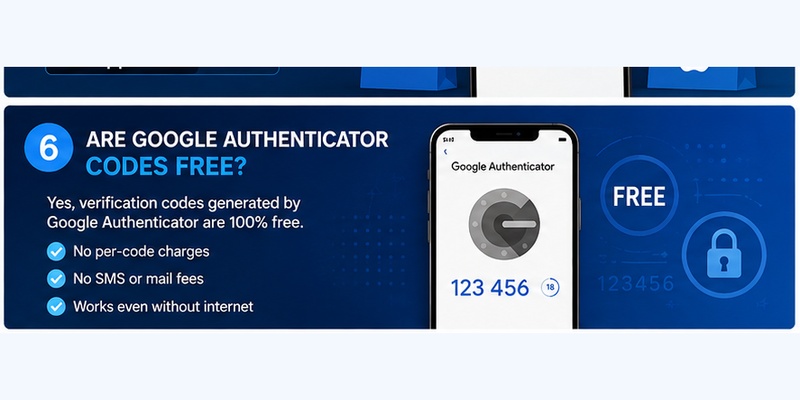
Another common search is google authenticator code free because users may assume every six-digit number is delivered by a paid verification service.
Google Authenticator works differently.
You do not purchase individual codes
Once an account has been connected successfully, Authenticator generates the appropriate verification code on your device.
Google describes these as one-time verification codes used with applications and websites supporting Authenticator-based 2-Step Verification.
The code automatically changes over time.
You are not purchasing each new number.
Therefore, when evaluating is google authenticator free, there is no separate normal “code fee” described for generating standard Authenticator codes.
Why can codes work offline?
Authenticator does not need to receive each new code from Google over the internet.
Google states that codes can still be generated without an internet connection or mobile service.
This is one of the reasons Google Authenticator is different from an SMS-based verification method.
Does the website using Google Authenticator cost money?
That is a separate question.
A third-party website might charge for its own service, subscription, or membership. That does not mean Google Authenticator itself charges for the verification code.
For example, a paid software platform could require 2FA while charging separately for access to its software.
The correct answer to is google authenticator free concerns the official Authenticator application—not the pricing policy of every website that supports TOTP authentication.
7. What Features Do You Get for Free?
The next question after is google authenticator free is usually whether the free version is heavily limited.
Google’s current store and support pages describe a fairly complete set of authentication functions.
Multiple accounts
The application supports managing multiple authenticator entries from the same device.
This means one installation can be used with several compatible services rather than requiring one free google authenticator app for each website.
QR-code setup
Authenticator accounts can be configured using QR codes, helping users add a service without manually typing a long secret key.
Code synchronization
Google currently supports synchronizing verification codes across devices by signing into a Google Account within Authenticator.
Google states that synchronized Authenticator codes are encrypted in transit and at rest across its products.
Manual account transfer
If you use Authenticator without a Google Account, Google provides a manual QR-based export and import process for transferring codes to a new device.
Privacy Screen
Google’s current Android support page also describes a Privacy Screen option that requires device verification such as a PIN, pattern, or biometric prompt before the application can be used.
These functions help explain why the answer to is google authenticator free is more meaningful than simply saying the download button costs zero: the official app includes the core tools most users need for everyday TOTP authentication.
📖 Read More Guides: Google Authenticator MacBook: How to Use 2FA Safely on Mac
8. Does Google Authenticator Have Hidden Fees?
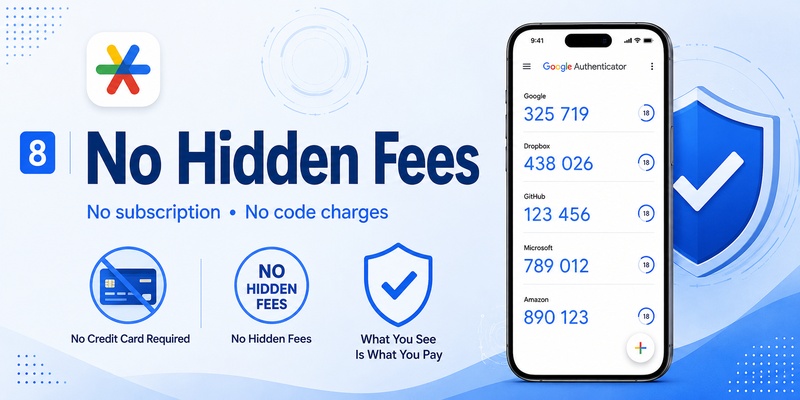
A user asking is google authenticator free may actually be worried about being charged later.
The current official App Store listing labels the application as Free, while Google’s Play Store listing places it in the free tools category.
Nothing in Google’s official setup documentation indicates that users must buy verification-code packs or pay per login to use standard Authenticator codes.
What Google Authenticator does not charge per use
Standard usage does not involve purchasing a new TOTP token every time you:
- Add a compatible account
- Open the application
- Read a generated code
- Wait for the next code
- Use a code during a login
This is why is google authenticator free to use can generally be answered yes for the official application’s normal functionality.
Costs outside Google Authenticator
Other expenses can still exist around the experience.
You might pay for:
- Your smartphone
- Mobile data
- Internet access
- A subscription to the service you are protecting
- Enterprise software that happens to support 2FA
Those charges are not Google Authenticator fees.
Likewise, if a different authenticator app offers premium cloud backup, additional password-management tools, or a paid subscription, that is the pricing model of that particular application.
It does not change whether is google authenticator free when referring to the app published by Google.
9. Why Do Some Authenticator Apps Ask for Payment?
This is probably the biggest source of confusion around searches such as google authenticator is it free.
App stores contain many applications with very similar names.
You might encounter products called:
- Authenticator
- Authenticator App
- 2FA Authenticator
- OTP Authenticator
- Authentication App
- MFA Authenticator
Some are legitimate third-party tools, but they are not necessarily Google Authenticator.
Third-party apps control their own pricing
A third-party developer can decide to offer a completely free product, a paid download, advertisements, optional premium upgrades, or a recurring subscription.
Therefore, seeing an “Authenticator” subscription does not automatically mean Google has started charging for Google Authenticator.
If you want the google authenticator free application specifically, check the publisher carefully.
Google’s official Android listing identifies the developer as Google LLC, while Apple’s listing identifies Google as the developer.
Check before entering payment information
If your objective is simply to answer is google authenticator free, there should be no reason to assume that an unrelated app with “Authenticator” in its name is the official Google application.
Look at:
- Application name
- Developer
- Store listing
- App icon
- Description
- Requested purchase or subscription
This simple check can prevent users from accidentally purchasing a third-party service when they were only trying to install the official free google authenticator application.
📖 Explore Articles: How to Use Google Authenticator for Facebook: Complete 2FA Setup Guide
10. Is Free Google Authenticator Enough for Everyday 2FA?
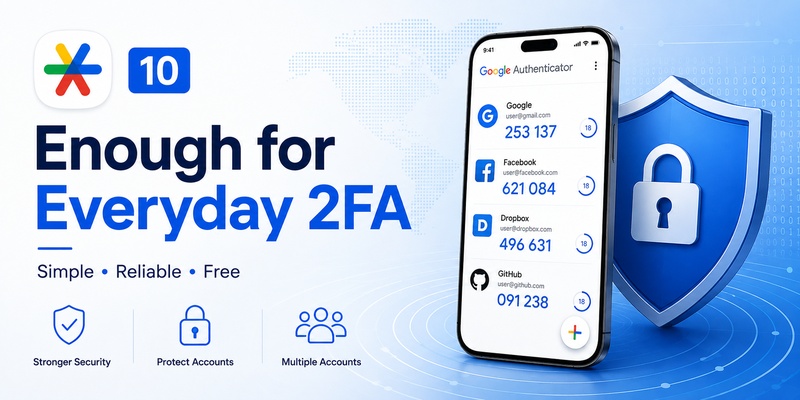
For many users, the answer is yes.
If your main requirement is generating temporary verification codes for accounts that support standard authenticator-based two-factor authentication, is google authenticator free is not just a pricing question—the available free functionality covers the core authentication workflow.
What it handles well
Google’s current documentation shows that Authenticator can generate one-time codes, operate without connectivity for code generation, synchronize codes through a Google Account, work without a Google Account, transfer accounts between devices, and manage multiple entries.
That covers the common needs of someone using an authenticator app for personal accounts.
What you still need to manage yourself
A free application cannot prevent every possible account problem.
You should still:
- Protect your phone with a strong device lock.
- Never share active verification codes.
- Keep recovery methods for important accounts.
- Verify your codes are transferred before erasing an old phone.
- Confirm that you are using the correct account entry.
- Protect QR codes and setup secrets.
Google specifically advises users not to share verification codes and recommends additional recovery methods for accounts protected with 2-Step Verification.
Final answer: Is Google Authenticator free?
Yes. As of August 2026, is google authenticator free can be answered clearly: Google’s official Authenticator is listed as free on Apple’s App Store, while Google Play categorizes it among free tools.
You do not need to purchase individual verification codes, and standard code generation can work without an internet or cellular connection after an account has been configured.
If you are asking is google authenticator app free, is google authenticator free to use, or whether you can install a free google authenticator app, the answer is essentially the same: the official application provides its normal authentication functionality without requiring you to purchase the app.
The main caution is to make sure you install the genuine application from Google rather than a similarly named third-party authenticator with its own pricing model.
For users who simply want reliable TOTP verification codes and standard account management, is google authenticator free should not be a barrier to getting started with stronger two-factor authentication.
Download Authenticator App
Secure your accounts with fast, reliable two-factor authentication. Download now and protect your login in seconds.
