
Authenticator Free: Are Authenticator Apps Really Free, and Which One to Pick
Nearly every mainstream authenticator app is genuinely authenticator free to download and use for its core job of generating two-factor codes, with no purchase required on iPhone, Android, Mac, or Windows.
Where a cost sometimes appears is around extras like cloud backup, priority support, or business features, not the basic code generation itself, which is free across essentially every reputable option.
This guide explains what “authenticator free” actually covers, which apps are free on each platform, how to choose between them, and the handful of cases where a paid tier might genuinely be worth it.
Is an Authenticator App Free?
Yes. Almost every well-known authenticator app is authenticator free for its core function, generating rotating two-factor codes, on every major platform, with no upfront cost or subscription required to use that feature.
This is genuinely one of the rare areas of software where the free options are not a stripped-down compromise but the same core product most people would ever need.
This is true whether you’re on an iPhone, an Android phone, a Mac, or a Windows PC, since the underlying technology is an open standard that no single company charges to use.
That open standard is the key reason the market is full of no-cost options rather than a handful of paid products, since anyone can build a compliant app without owing a license fee to a central owner.
Download Authenticator App
Secure your accounts with fast, reliable two-factor authentication. Download now and protect your login in seconds.
What “Free” Actually Covers
What’s Always Free
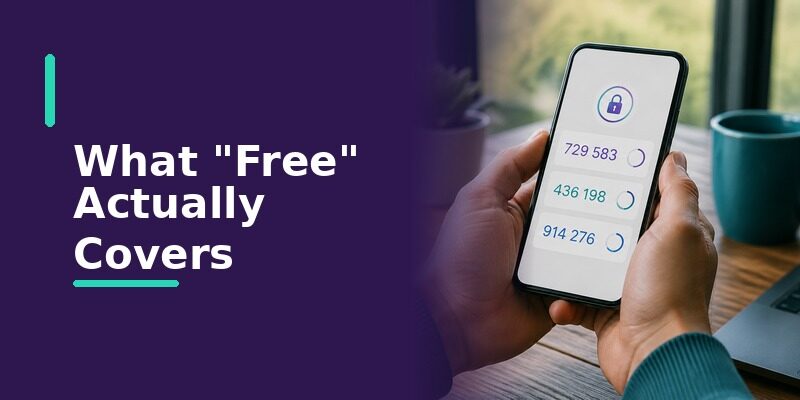
Adding accounts, scanning QR codes, and generating the rotating six-digit codes you use to sign in are free in every mainstream authenticator app, and this covers what the vast majority of people need.
For a typical person protecting an email account, a bank login, and a few social accounts, this free core is genuinely everything required, with nothing left behind a paywall.
There’s rarely a moment where a personal user bumps into a limit that forces an upgrade, which is part of what makes authenticator free apps such a genuinely accessible security tool.
What Sometimes Costs Extra
Some apps charge for optional extras layered on top of the authenticator free core, such as encrypted cloud backup, priority customer support, or advanced features aimed at businesses rather than individuals.
None of these extras change the actual codes or make sign-ins any more secure; they add convenience and management, not stronger protection.
This is the key thing to internalize about authenticator free apps: the security you get for nothing is the same security a paid plan provides.
Free Authenticator Apps by Platform
| Platform | Free Options Available | Notes |
|---|---|---|
| iPhone | Yes | Many free apps on the App Store, plus a built-in code generator in Passwords |
| Android | Yes | Many free apps on the Play Store, often with Google account sync |
| Mac | Yes | Browser extensions and some apps via Mac Catalyst or native clients |
| Windows | Yes | Browser extensions and standalone desktop apps |
Because authenticator free options exist on every platform, the real decision is rarely about cost and more about which app fits how you actually work across your devices.
Someone who lives on a single phone has very different needs from someone switching constantly between a work laptop, a personal phone, and a tablet, and that difference matters far more than price.
Thinking about where you actually sign in most often is a more useful starting point than comparing feature lists, since it points to whether cross-device sync matters to you at all.
Why Authenticator Apps Can Be Free at All
An Open Standard Behind the Scenes
The rotating codes almost every authenticator app generates are based on an open, freely usable standard, so no company has to pay a license fee to build a basic authenticator, which keeps the core feature free.
This same standard is why codes from one app work interchangeably with any service that supports authenticator apps, rather than locking you into a single vendor.
It also means switching between apps later never requires the services themselves to change anything, since they only care that a valid code arrives, not which app produced it.
That interoperability is a quiet but real benefit, since it means choosing a free authenticator today never locks you out of a better fit later.
How Free Apps Sustain Themselves
Free authenticator apps are often funded by an optional paid tier, by a larger company offering the app as part of its ecosystem, or by an open-source community, rather than by charging for the core codes.
Understanding how a given app funds itself is a useful lens for judging it: a large-company app, an open-source project, and a startup with a paid tier each have different incentives worth being aware of.
An open-source app, for instance, is transparent about how it works but may rely on volunteers for updates, while a big-company app has resources but ties you into its ecosystem.
Best Ways to Get a Free Authenticator App
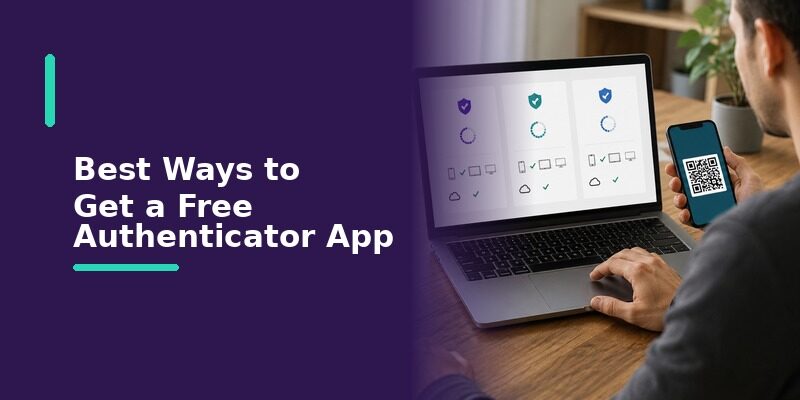
Since almost every option is authenticator free, the useful question is which one to actually install. A few genuinely free choices cover most needs, each suited to a slightly different kind of user.
| App | Platforms | Best For | Trade-Off |
|---|---|---|---|
| Google Authenticator | iPhone, Android | People who want a simple, widely trusted free option | Interface is minimal; sync tied to a Google account |
| Microsoft Authenticator | iPhone, Android | People already inside the Microsoft ecosystem | Heavier app; most useful with Microsoft accounts |
| Proton Authenticator | iPhone, Android, and desktop | People who prioritize privacy and open-source tools | Newer than some longer-established names |
| Authenticator App | iPhone, Android, and browser | People who want one synced list across every device | Newer to the market than some rivals |
Google Authenticator is the most widely recognized free option and works well for anyone who wants something simple and trusted, though its interface is deliberately minimal and its sync is tied to a Google account.
Its simplicity is genuinely a strength for people who just want codes and nothing else, though anyone wanting richer organization or cross-ecosystem sync may find it a little bare.
As a completely authenticator free option with a name almost everyone recognizes, it remains the default many people reach for first.
Microsoft Authenticator is also completely free and makes the most sense for people already signed into Microsoft services, since it integrates push approvals for those accounts, though it’s a heavier app if all you need is basic code generation.
For someone whose work and personal life both run through Microsoft accounts, that integration can genuinely save time, which offsets the app’s larger footprint.
Like the others here, it’s fully authenticator free, so the decision is purely about whether its Microsoft-focused strengths match your accounts.
Proton Authenticator is a free, privacy-focused option from the makers of Proton Mail, appealing to anyone who prefers open-source tools, though it’s newer than some of the longer-established names on this list.
Its appeal is strongest for people who already value the privacy-first philosophy behind Proton’s other products and want their authenticator to match.
It’s offered authenticator free in line with Proton’s broader approach of making privacy-focused tools widely accessible.
is another fully authenticator free choice, built around keeping one synced account list consistent across your phone and a browser session, so the experience stays the same regardless of which device you happen to reach for.
None of these costs anything for everyday use, so the choice comes down to fit: a simple trusted name, deep integration with an existing ecosystem, a privacy-first philosophy, or consistency across every device you own.
Because they’re all free, there’s also no real cost to trying one and switching later if it doesn’t suit you, as long as you re-add your accounts to the new app before removing the old one.
Free vs Paid: When a Paid Tier Is Worth It
When Free Is All You Need
For the vast majority of people protecting personal accounts, a free authenticator app covers everything required, and there’s no practical reason to pay for anything beyond it.
Paying for an authenticator when a free one would serve you identically is a common, avoidable mistake driven by the assumption that paid always means better.
In this specific category, that assumption simply doesn’t hold, since the core security is identical whether you pay or not.
When Paid Features Make Sense
A paid tier or business plan may be worth it for organizations needing centralized management, guaranteed support, or advanced backup controls, needs that go well beyond an individual’s personal use.
If you’re not an IT administrator managing many accounts, it’s very likely none of these paid features apply to your situation at all.
For an individual, the honest answer is usually that a free app is not just adequate but genuinely the right choice.
Watch Out for Fake “Free” Authenticator Apps
Spotting an Untrustworthy Listing
Because the category is popular, imitation apps sometimes appear in app stores; checking the developer name, review count, and reputation before installing avoids handing sensitive codes to an untrustworthy app.
A genuine, established app typically has millions of reviews accumulated over years, which an imitation listing simply can’t fake convincingly.
A brand-new listing with few reviews claiming to be a well-known authenticator is worth treating with real suspicion rather than installing on impulse.
Avoiding Hidden Costs or Data Practices
An app advertised as authenticator free but demanding excessive permissions or pushing aggressive in-app purchases is worth approaching with caution, since a genuine authenticator needs very little access to do its job.
A real authenticator mainly needs camera access to scan QR codes and little else, so broad requests for contacts, location, or unrelated data are a genuine red flag.
Reviewing the permission list before installing takes only a moment and is one of the simplest ways to avoid a poor-quality or malicious app.
How to Choose a Free Authenticator App for Your Situation
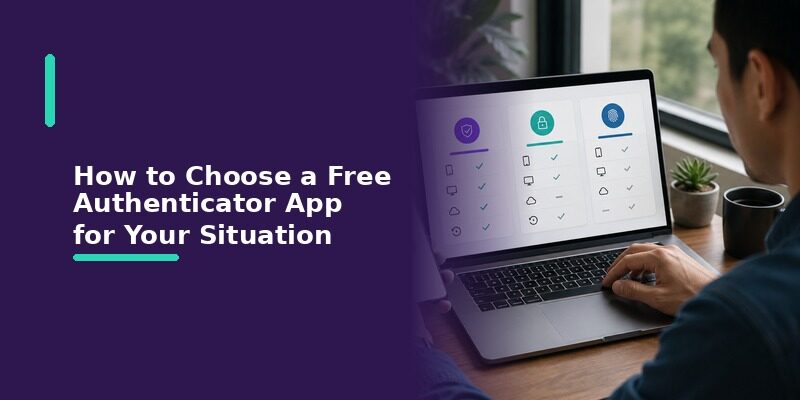
With so many authenticator free options, matching one to your actual habits is more useful than chasing whichever is most popular.
- Want the simplest, most recognized name: Google Authenticator.
- Already deep in Microsoft services: Microsoft Authenticator.
- Privacy is your top priority: a privacy-focused, open-source option like Proton Authenticator.
- Want one consistent synced list across phone and browser: Authenticator App.
Any of these protects your accounts equally well at the core level, so choosing based on fit rather than cost leads to a tool you’ll actually keep using.
The best authenticator is ultimately the one you’ll consistently use, so a slightly less feature-rich app you actually open beats a powerful one you find annoying and avoid.
Consistency of use is what actually protects your accounts over time, and an app that fits your habits naturally is the one you’ll keep reaching for.
Since every option here is authenticator free, there’s no financial risk in trying one for a few weeks and switching if it doesn’t fit how you work.
Does a Free Authenticator App Cover Every Service?
Banking, Email, and Social Accounts
A authenticator free authenticator works with any service supporting standard authenticator-app codes, which covers the overwhelming majority of banks, email providers, and social networks people use daily.
Services That Require a Specific App
A small number of banks or enterprise systems require their own proprietary app or a specific named authenticator, in which case a general free app can’t substitute, though this is the exception rather than the rule.
When this happens, the requirement comes from that specific institution’s own policy, not from any limitation of free authenticator apps in general.
Free Authenticator Apps and Cloud Backup
When Backup Is Included Free
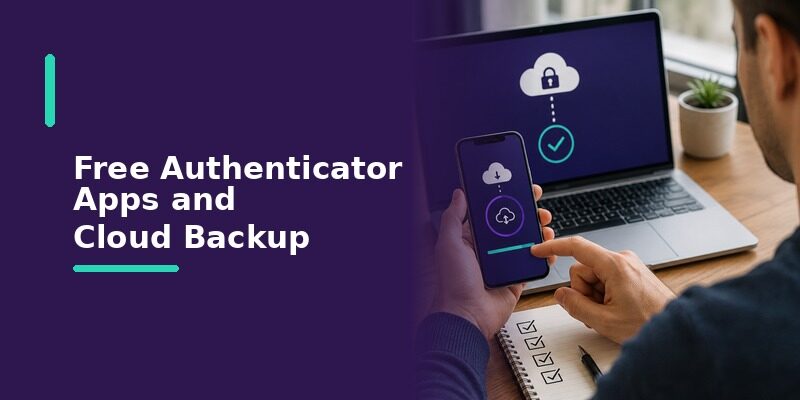
Some free apps include account sync or backup at no cost, tied to a sign-in, which makes moving to a new phone far easier without paying anything extra.
When Backup Sits Behind a Paid Tier
Other apps keep the authenticator free code generation free but place encrypted cloud backup behind a paid plan, so it’s worth checking which model an app uses if easy recovery matters to you.
If effortless recovery on a new phone is a priority, favor an app that includes sync at no cost rather than one that charges for it.
Free Authenticator Apps vs a Built-In Option
Beyond standalone authenticator free apps, several platforms now include a built-in code generator, which raises a fair question about whether a separate app is even needed.
The Case for a Built-In Generator
A built-in option, such as the verification-code feature in a phone’s password manager, means one less app to install and works seamlessly within that ecosystem, which suits people who stay entirely on one platform.
The Case for a Dedicated App
A dedicated app usually offers clearer organization, easier cross-platform use, and more control over backups than a built-in generator, which matters most for anyone using a mix of devices from different makers.
Someone with an iPhone, a Windows work laptop, and an Android tablet, for example, is far better served by a single dedicated app than by three separate built-in generators that don’t talk to each other.
How Free Authenticator Apps Handle Your Data
Local-Only Storage
Some free apps keep every secret key stored only on your device, never sending it anywhere, which maximizes privacy at the cost of making recovery entirely your responsibility.
With this model, losing the device without a manual backup means losing the accounts, so it rewards careful users and punishes forgetful ones.
Synced or Cloud-Backed Storage
Other authenticator free apps sync encrypted copies of your accounts to make recovery easier, trading a little of that local-only privacy for the convenience of a simple restore on a new device.
For most people, that trade is worth it, since the practical risk of losing access to every account far outweighs the marginal privacy gain of keeping everything strictly local.
Frequently Asked Questions About Free Authenticator Apps
Are all authenticator apps free?
Nearly all mainstream ones are free for their core code-generation feature. Some charge for optional extras like cloud backup or business management, but the basic function is free across essentially every reputable option.
If you ever encounter an app charging just to generate basic codes, that’s unusual enough to be worth treating as a reason to look elsewhere.
Is there a free authenticator app for iPhone?
Yes, several, plus a built-in verification-code feature in the Passwords app on recent iOS versions, all at no cost.
That built-in option means many iPhone users already have a free authenticator available without installing anything at all, though a dedicated app often offers more flexibility.
Is there a free authenticator app for Windows?
Yes, through free browser extensions and standalone desktop apps, so Windows users aren’t limited to phone-only options.
A browser extension in particular is a popular free route on Windows, since it puts codes right in the toolbar without needing a separate app window.
Does a free authenticator app work with PayPal or other services?
Yes. A free authenticator app works with any service that supports standard authenticator-app two-factor authentication, which includes the large majority of major platforms.
PayPal, major email providers, and most social networks all fall into this category, so a single free app typically covers your whole account list.
Is a free authenticator app as secure as a paid one?
For core code generation, yes; security comes from the underlying standard rather than the price. Paid tiers add convenience and management features, not stronger codes.
A free app and a paid app protecting the same account generate codes of identical strength, since both follow the same open standard.
Which free authenticator app is best?
There’s no single best one; it depends on your priorities, a trusted simple name, ecosystem integration, privacy, or cross-device consistency, since all protect accounts equally well at the core.
Rather than searching for a universal winner, pick the one whose strengths line up with how you actually use your devices day to day.
Final Thoughts
An authenticator being authenticator free is the norm rather than the exception: essentially every reputable app generates two-factor codes at no cost, on every major platform, funded through optional extras rather than the core feature.
Because cost rarely separates the options, the smarter question is fit, whether you value simplicity, ecosystem integration, privacy, or a single consistent experience across every device you own.
Want a free authenticator that stays consistent everywhere you sign in? Download and keep every account in one place.
Download Authenticator App
Secure your accounts with fast, reliable two-factor authentication. Download now and protect your login in seconds.
